The app allows users to practice timing by tapping yellow circles that appear on screen. Users can load videos from their device or Camera Roll to practice along with.
by Tomoyuki Mikami★ 3.412 ratingsGamesFreeData updated 2026-10-14
Tap the red to collect add dot balls and increase score. Avoid touching minus dot balls to prevent score loss. Rotate the along the circular to navigate and maximize points.
Split videos into smaller segments and save them to the phone's camera roll. Choose split points, adjust timing, and export clips in various formats. Share individual parts via social media or messaging apps.
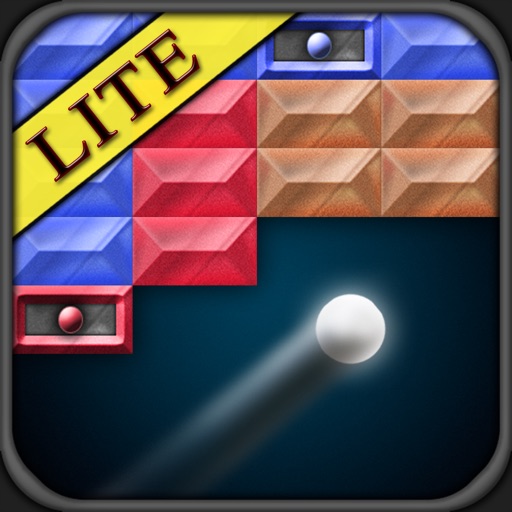
The app presents a breakout style game where users control a bouncing ball. Users change the ball's color by hitting blocks, allowing them to break blocks of the same color.
Take photos or videos by tapping or swiping the black screen. Access a hidden preview window and use burst mode for multiple shots. Capture live photos and customize all settings for personal preference.
The app provides three synthesizers for generating chaotic sounds. Users can select sounds, explore oscillations, and use it as input for other effects.
Play audio files with adjustable playback speed for detailed listening. Set AB repeat segments to focus on specific parts. Practice listening and speaking with customizable repetition settings.
Watch and replay video segments for focused practice. Navigate precisely with a large, easy-to-use progress bar. Pause, rewind, and replay specific parts of the video. Save custom practice sessions. Sync with devices for offline use.
Resize and crop photos in batches, adjust dimensions, rotate, or delete multiple images at once. Save edited photos to camera roll, email, or Dropbox. Customize resize settings and export to a working directory without altering original files.
Allows users to record videos with a floating text for continuous eye contact. It includes an AI script generator that creates scripts based on user input. Users can adjust text speed, font size, and color.
The app allows users to play two videos simultaneously, either side-by-side or overlaid with adjustable transparency. Users can control playback speed, start positions, and scale each video independently.