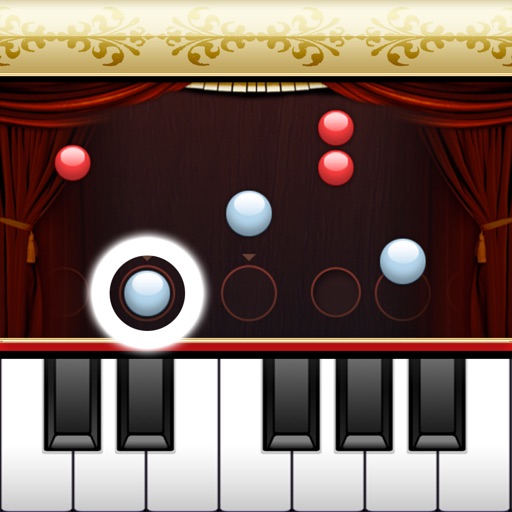
The app provides a full set of 88 resizable piano keys with custom sampled audio. Users can choose different instruments, record their tunes, and learn to play new songs.
by Edgeway Software★ 4.113 ratingsMusicFreeData updated 2026-10-14
Create and edit chord progressions by selecting keys and chords. Build custom sequences and explore variations. Learn through interactive play and real-time feedback. Export progressions and integrate with music production tools.
Tune musical instruments with real-time pitch detection and accurate results. Automatically identify and adjust pitch by touching strings or keys. Manually select and tune specific strings or keys.
The app lets users create music by drawing on the screen and playing instruments. Users can customize characters and remix songs with different instruments and tempo.
Import music sheet files to and learn favorite songs. Use an 88-key simulator to practice. Receive guidance through tutorials. Track progress and refine playing techniques.
Learn music notation, fingerings, and rhythms through interactive exercises. Practice note identification and timing under a countdown. Track progress with belt tests and receive feedback on accuracy and speed.
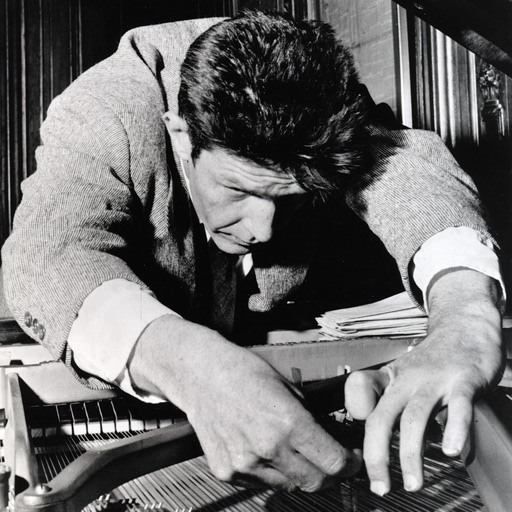
Play sampled sounds of prepared . Adjust pitch and volume. Place virtual objects between strings to alter tones. Save and share custom compositions. Sync with MIDI devices for live performance.
The app offers a retro-style interface with digital signal processing for pitch detection. It supports the full 88-key piano range and allows adjustment of the reference pitch.
Shenzhen ZERONE Information Technology Service Co., Ltd.
Piano, color, and solve puzzles
Learn music through interactive piano . Explore colorful pictures and use brushes to art. Engage with characters to practice basic phone functions. Identify shapes and colors through puzzles. Discover farm animals and activities through themed .
Stream music with a focus on tropical rock, classic hits, and island vibes. Play, pause, and skip tracks. Create custom playlists. Adjust volume and equalizer settings. Sync with devices for offline listening.
Play with color-coded keys for easy identification. Adjust volume settings based on environment. Access keyboard color options including green, yellow, and pink.
Play with full key sampling and polyphonic sound. Use as standalone or plugin in DAWs. Features MIDI input via Bluetooth LE, adjustable ADSR, filters, and effects. Includes high-quality samples and low CPU usage.
The app offers 300 songs for players to enjoy. It features graphics designed for the retina screen and provides an enjoyable gaming experience for all users.
Use AI to separate vocals, drums, guitar, bass, piano, strings, and other instruments from any song. Adjust playback speed and key. Organize and share work-in-progress music. Transcribe lyrics and edit audio tracks.
The app offers eight multi-layered pianos with over 1300 samples. Users can learn and play the piano with unprecedented sound quality, making it suitable for beginners or for enjoyment.
Control Yamaha via iOS device with real-time feedback. Adjust settings, access lesson content, and use metronome. Connect using Lightning to USB adapter or Yamaha cable. Record performances and playback samples.