The app offers a file system for iPhone and iPad, connecting to kLink servers for file transfers. It enables users to log in and access documents from a host company's Integrated File System.
by John Keyes★ 5.01 ratingsBusinessFreeData updated 2026-10-13
Secure files with encryption and control access through identity management. Set permissions to restrict file sharing. Protect data across devices and track file locations in real time.
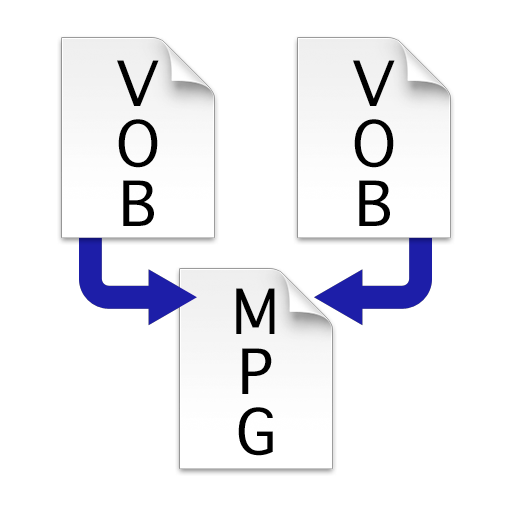
Combine multiple VOB files into a single MPEG file without re-encoding. Merge VIDEO_TS folders to create one large video file. Save and export the merged file for playback or transfer.
Users can create and manage shared folders, edit documents in real-time, and comment on files. Invite colleagues and business partners to collaborate. Access files from any device. Set permissions and track changes. Export files in various formats.
Capture project data on-site using structured forms. Create reports with one click. Access documents and collaborate in real-time. Sync with cloud storage for remote access and file management.
The app creates PDF documents from various file types including word processor documents, text files, web content, and images. Users can merge multiple files into a single PDF and set properties like security, initial view, and metadata.
Organizes and scans documents in any language, even when offline. Summarizes complex content, translates text, and lists required actions. Sets reminders for expirations and provides clear file access.
Access remote networks and internet traffic with integrated VPN servers. Connect to office resources and personal networks from anywhere. Encrypt data and bypass geo-restrictions. Manage connections and monitor activity in real time.
The app allows users to view and edit documents on their mobile devices. It enables copying, pasting, decryption, and editing based on predefined policies.
The app provides a POS solution with a kitchen monitor, table plan, and customer file. It includes offline mode, DATEV export, and accepts cashless payments.
The app provides workspaces, file management, calendars, and task management. Users can search for files, tasks, events, or messages quickly and receive notifications about project updates.
The app processes multiple PDF files simultaneously. Users can extract specified pages by setting the start page, end page, and number of pages per split for each PDF file.
Collaborate through team messaging with real-time communication and file sharing. Schedule and join video conferences. Make voice and video calls. Manage tasks and share documents. Stay connected with remote teams.
The app accelerates HTTP/FTP downloads by using multiple threads for a single file. It allows users to download videos, applications, photos, and music files with increased speed and efficiency.
The app offers mobile access to the SphereWMS Warehouse Management System. It includes scanning and inquiry functions for various warehouse activities like receiving, put-away, and picking.