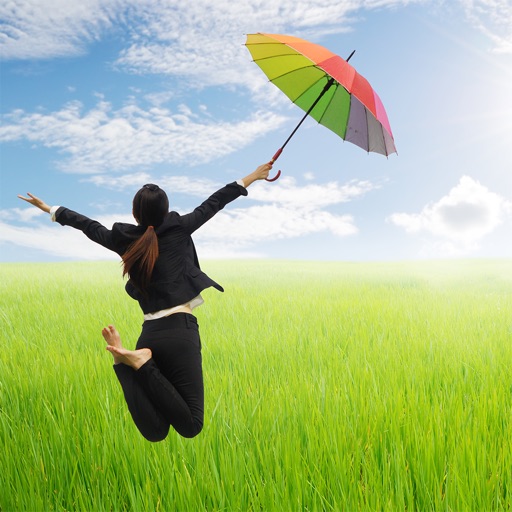
Take levitation photos using automatic alignment technology. Capture and edit images with community features. Share creations and access tutorials for advanced techniques. Sync with social media platforms directly.
by LOCQL, INC.★ 4.4208 ratingsPhoto & Video$1.99Data updated 2026-09-08
Capture photos and videos using Bracketing, Slow Shutter, and Time-lapse modes. Adjust exposure, focus, and white balance manually. Export raw files and share directly. Sync with Apple Health for activity tracking.
The app organizes photos with customizable album layouts and a 3D browsing experience. It offers password protection, a powerful editor with real-time adjustments, and color-based photo searching.
Apply Lightroom to photos and videos with one click. Access 270+ organized into 45+ thematic collections. Export DNG and 3DLUT for use in Lightroom desktop and mobile. Edit photos and videos directly within the .
Edit photos with exposure, contrast, highlights, shadows, whites, and blacks adjustments. Modify colors with saturation, vibrance, hue, and temperature. Remove haze and fog with an intelligent filter.
Capture lightning strikes in real-time using iPhone or iPad. Adjust ISO settings manually or use full auto mode. Switch between day and night modes automatically. Preview and save high-quality photos directly. Share images via social media or email.
Edit photos by drawing on them with adjustable brush sizes and color choices. Use an erase tool and undo/redo functions for precision. Save edited images for later changes or share them directly on social networks.
Take photos with real-time chroma key and adjust brightness and color temperature. Edit images using eraser, crop, and zoom tools. Share photos on Instagram, Facebook, and other platforms. Tag with # to join a global gallery.
Edit selfies using AI to enhance features and reshape body contours. Apply filters and effects to create glamorous looks. Save and share edited images directly from the .
View image such as measurements, DPI, file size, location data, and device information. Import images via drag and drop from Photos, Files, or Safari. Display in a card-based layout for easy reference.
Edit videos with trimming, splitting, rotating, flipping, reversing, deleting, and duplicating clips. Merge videos, photos, and live photos. Reorder clips as needed.
Capture photos and videos with retro film filters and analog textures. Adjust exposure, contrast, and grain. Apply vintage color effects and scan-to-video conversion. Share edited media directly to social platforms.
Edit photos with color and film filters, vintage textures, and light leak effects. Adjust brightness, contrast, and saturation. Add vignettes and analog film sensations. Export edited images in various formats.
The app uses an automatic colorization technique based on scribbles to change object colors in photos. Users can mark parts of an image with any color and the app will apply the changes.