The app offers pitch detection for scale training, allowing users to master scales with instant feedback on intonation. It includes a piano and metronome, with additional scale packages and a visualization function available for download.
by Hans Toft-Olsen★ 0.00 ratingsMusicFreeData updated 2026-10-13
Create rhythmic patterns with triplets, dotted notes, and custom time signatures. Set subdivisions per beat. Save setups in setlists. Use Coach and Automator modes for timing practice. Adjust tempo and display options. Export patterns for later use.
The app offers a spiral-shaped keyboard and a chromatic piano keyboard for playing melodies and chords. It allows users to study scales, modes, and the circle of fifths, and learn solmization methods.
Connect your Techno or neo to play music. Choose from various instrument sounds and built-in rhythms. Adjust settings to customize sound. Access controls through a simple, intuitive interface. Jam along with pre-set beats or create custom tracks.
Learn to read music and play by ear through video . Access ear training, scales, arpeggios, and chord inversions. Subscribe monthly or annually for full content. View lesson progress and track learning milestones.
Explore and with interactive virtual and staff notation. Play and ascending, descending, and harmonically. Adjust root notes and inversions. Compose songs by arranging and progressions.
Create and customize beats using additive waveform synthesis. Adjust frequency and amplitude of individual overtones. Explore alternate musical scales and generate precise tones. Save and export custom sound configurations.
Create and manipulate sound with three independent synthesizers. Adjust pitch from 8–20,000 Hz. Slide or snap notes to scales with customizable glide rates. Set and edit individual notes for precise musical control.
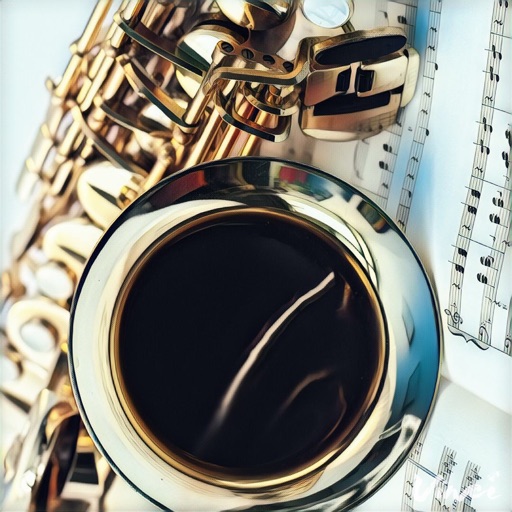
Learn and practice all 12 keys, including the altissimo range. Practice such as Melodic Minor, Mixolydian Mode, Major Blues Scale, and 9th Arpeggio. Set daily practice sessions of 30 minutes. Track progress over 3-5 days.
Learn with real-time fingerboard interaction. Practice scales, save riffs, and jam to backing tracks. Choose between acoustic, fingered, or slap electric . Adjust settings for different playing styles and devices.
Create and play music using chord and melody controls. Switch between chords and melodies with one hand. Adjust key and chord progressions. Record and playback performances. Share created songs directly.
Play trumpet sounds by touching or blowing. Adjust pitch using valve pads. Control volume by raising or lowering the bell. Learn scales and songs notation. Jam along personal music or songbook tracks.
Interactive fingering charts for woodwind, brass, fret, and string instruments. Tap valves or keys to play notes. View detailed diagrams for flute, clarinet, guitar, violin, and other instruments. Sync with audio for note recognition.
Learn , , and modes in any position using a fully functional simulator. Practice with interactive games, view references, or challenge yourself. Record and save riffs, use backing tracks, and adjust metronome settings.