Answer questions using the GPT-3.5 Turbo API. Generate text for emails, essays, and stories. Solve problems with logical reasoning. Provide explanations for complex topics. Offer language translation between multiple languages.
Perform calculations in a stack format. Each line functions as a standalone calculation or interacts with others. Edit, delete, or rearrange entries. Use mathematical functions and parentheses. Save and recall previous calculations.
Calculate sides and angles for right-angled and scalene triangles. Access a reference guide for formulas. Perform precise calculations using known values.
Graphmatica allows users to plot Cartesian, polar, parametric, and differential equations. It supports data plotting and curve-fitting. Users can graph up to 999 equations simultaneously.
The app offers a practical text calculator with WYSIWYG display. It supports basic arithmetic, exponentiation, radicals, logarithms, factorials, permutations, combinations, trigonometric functions, hyperbolic functions, and more.
Calculate performance changes based on airflow, rpm, pressure, and current. Input values to get real-time updates. Adjust variables to estimate new system performance metrics.
Emulates the TI BA II Plus with the same layout and functions. Users can perform financial calculations, solve time value of money problems, and view all variables simultaneously.
Offers instant by scanning or typing questions for step-by-step solutions. It covers math, science, and history across grade levels. Users can ask questions, receive explanations, and track progress through interactive lessons and quizzes.
The app calculates thermodynamic properties of moist air using ASHRAE equations. It provides access to calculations for dew point, humidity ratio, and other air and water vapor properties.
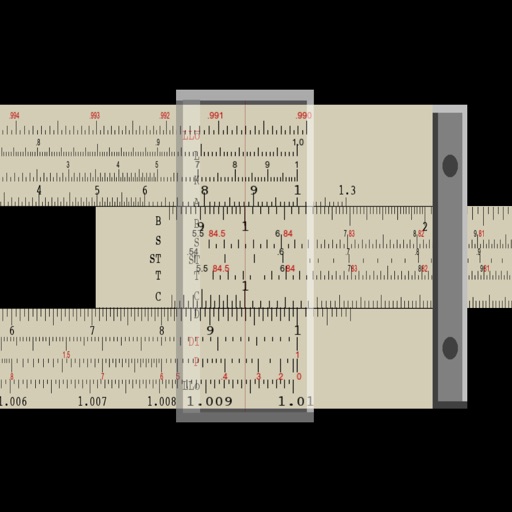
Perform multiplication, division, logarithmic, and trigonometric calculations using a slide rule interface. Adjust scales for precise measurements. Manual operation requires sliding components to compute results.
Perform calculations with a spreadsheet-like interface. Enter and edit formulas with an intuitive keypad. Adjust values to meet goals. Compare different calculation scenarios. Share results easily. Ideal for business and everyday math tasks.
Navigation provides flight planning and in-flight calculations. Users can customize quick access buttons, configure units, and adjust keypads. Features include real avionics look, flight data entry, and performance calculations.