Apps Like PixelPoint - Photo Editor for iPhone and iPad
Edit photos and apply stylish filters
Edit photos with filters, cropping, and brightness adjustments. Add text and stickers. Export in multiple formats and share directly. Apply stylish free and premium filters for social media use.
by Oliver Rice★ 4.6458 ratingsPhoto & VideoFreeData updated 2026-09-08
Edit photos with filters, , and cropping tools. Add text, stickers, and borders. Adjust brightness, contrast, and saturation. Export in various formats and share directly.
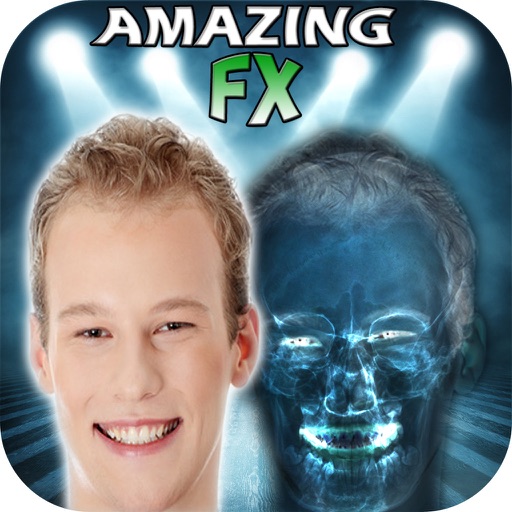
The app allows users to create simulated X-Ray Filter Photographs, Night Vision Filter, Infra-Red, and See-Through Vision Filter FX. Users can apply these effects to new or existing photographs from their library and share them.
The app captures High-Dynamic-Range photographs by combining over-exposed and under-exposed images. It offers automatic and manual modes, four mix options, and the ability to import raw images for HDR processing.
Create collages by selecting layouts, adding photos, and personalizing with frames or templates. Arrange images in grids, freestyle, or pre-designed templates. Share directly to social media or messaging apps.
Create collages using over 50 templates. Customize layouts, add text, and include photos or videos. images with filters, cropping, and manual adjustments. Shoot photos with manual camera controls. Export and share edited content in various formats.
Edit photos with 30+ film effects and 180+ light leak effects. Add dates to images. Edit photos from the Camera Roll. Simulate a 1990s film camera experience.
Edit photos with body transformation tools, one-touch filters, and cropping. Apply mosaic and blur effects to background. Add vignette. Adjust and share edited images directly.
HC MAKER - PHOTO LOGO BACKGROUND EDITOR APPS FOR FREE
Apply filters and share photos
Edit photos by importing or taking a picture, then applying curated filters designed by professional photographers. Save edited images and share them directly. Access a library of free images for inspiration.
Edit photos with text layers, borders, matting, rounded corners, 3D bevels, and shadows. Adjust cropping ratios and apply internal and external shadows. Share edited photos directly to social media.
Edit photos and videos with advanced auto enhance tools, double exposure, and 425 special light effects. Apply filters, add stickers, typography, and vignettes.
Edit photos with film-inspired filters, adjust color and contrast, and apply grain effects. Tap to switch between different aesthetic styles. Save and share edited images directly.