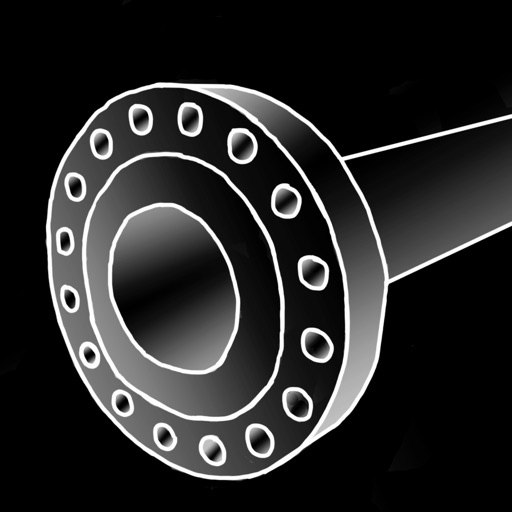
The app provides a manual for piping parts based on Japanese specifications. It lists parts using manufacturer data and publicly available dimension tables.
by sigeyosi kanenishi★ 5.01 ratingsProductivityFreeData updated 2026-10-12
Access product technical specifications and all documents in one place. View installation, operation, and engineering manuals. Retrieve service guides and technical data. Submit service requests and track progress. Share resources with team members.
Measure objects using touch as or tape measure. Split objects into equal parts and calculate width/height ratios. Estimate diameter, angles, and divide circular objects. Switch between millimeters and inches for units.
Access detailed specifications for 72 ASME piping components including dimensions, weight, and design . Supports Metric, U.S. Customary Units, and Inch Fractions for NPS and DN sizes. Includes weights for pipes and fittings.
Calculator provides basic and scientific calculation functions. Users can access a history of past calculations for review or reuse. It includes a live currency converter for exchange rate checks.
Convert units between 30,000+ conversions. Switch between 160+ currencies including cryptocurrencies with live rates. Save favorite conversions for quick access. Display results in fractions when applicable.
Perform basic calculations in portrait mode and scientific calculations in landscape. Use root, power, factorial, exponential, division, logarithm, and trigonometric functions. Features a flat UI design similar to built-in iOS apps.
Resize images in pixels, millimeters, centimeters,
Resize images by specifying dimensions in pixels, millimeters, centimeters, or inches. Maintain aspect ratio by linking width and height fields. Save, email, print, or share the resized .
Manage and track products via Bluetooth or QR code scan. Access manuals, service guides, and spare parts information. Receive maintenance reminders and product-specific support.
Access modules with in- purchases. Download free modules via the "+ Modules" tab. View module prices and download for free during the limited-time offer. Receive continuous updates with new modules based on user requests.
Draw and annotate using Apple Pencil or finger. Add images, videos, audio, tables, charts, and shapes. Create documents from templates or start blank. Edit text, format , and export files. Sync with Apple devices.
The app provides piping reference data with a built-in calculator. It offers three interfaces for accessing information: Catalog, Chart, and Wheels, supporting imperial and metric units.
CADENAS Konstruktions-, Softwareentwicklungs- und Vertriebs GmbH
Download 3D CAD and parts
Access 3D CAD from over 400 certified catalogs for mechanical , automotive, and building industries. Download parts compatible with CATIA, Inventor, SolidWorks, Creo, NX, AutoCAD, and Solid. Search and filter by category, manufacturer, and standard.
Scan QR codes and barcodes to retrieve product details including name, specifications, category, and manufacturer. Compare prices across e-commerce platforms like Amazon and Walmart. View historical price data to track price trends.
The app calculates piping connections for pipefitters, welders, and fabricators. It provides outputs in fractions or decimals, with options for 8, 16, 32, or 64 ordinate lines for template creation.