The app allows users to create a moving collage from disparate fragments. It contains black and white looping animations that can be repositioned and scaled to create a narrative.
by jody zellen★ 5.03 ratingsEntertainmentFreeData updated 2026-10-12
Edit photos with filters, effects, and adjustments. Add text with multiple fonts, colors, and effects. Overlay text or add captions and 3D text. Include stickers, artwork, and frames. Create collages and personalize cards with photos.
Create artistic images by masking subjects and separating them from backgrounds. Apply filters to subjects or backgrounds for dramatic effects. Adjust styles and textures to enhance visual impact. Share edited photos directly from the .
The app allows users to create picture collages on their iPhone. Users can arrange pictures in various styles, add text, and customize individual picture placement within frames.
Edit photos with typography, stickers, and artwork. Apply filters and effects. Add overlays, masks, and drawing tools. Create collages and share to social networks. Includes textures, borders, and patterns.
Cats into a box and them to create larger versions. Collect various cat breeds with unique sounds. Play a physics-based puzzle game with relaxing music. Avoid overflowing the box.
Play a free trial and unlock the full game with a one-time purchase. Track fragments of King ’s and prevent a madman’s plan. Complete missions, investigate clues, and uncover secrets in a narrative-driven .
Edit photos with filters, effects, and backgrounds. Create collages and layouts with ready-made designs. Crop and mirror images for social media. Add text and frames. Share edited photos directly to WhatsApp and Instagram.
Create and Instagram carousels with customizable templates and drag-and-drop editing. Add text, stickers, and filters. Export and share directly to social media. Adjust layout for seamless swipe-through viewing.
Convert to black and white by selecting images and swiping horizontally or vertically. Adjust brightness, contrast, and grain. Export edited to photo library or share directly.
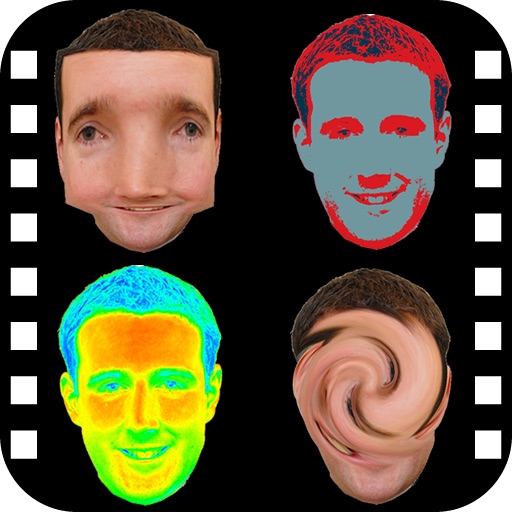
The app provides a photo editing experience with numerous effects. Users can select a picture and apply various filters like Night Vision, Heat Cam, Ripple, and Alien.
Decorate home screen with interactive widgets. Display photos in sorted order or create collages. Add multiple photos at once and rearrange them. Supports transparent and iOS 18 lock screen widgets. Choose from various sizes and refresh intervals.
Create collages by selecting multiple images and arranging them in different grid layouts. Add frames from a collection of 100+ designs to enhance images. Build personal stories by organizing photos and sharing them directly.
The app features post-apocalyptic robot combat with intuitive controls for tactical decisions and engaging battles. Players uncover a mystery by fighting through a ravaged city and salvaging upgrades from fallen enemies.
Create photo collages and video slideshows with customizable layouts, colors, and patterns. Add text, filters, and music. Edit photos with object removal, skin softening, and blur effects. Include stickers, outlines, and background adjustments.
Create for social media posts. Add motion to for Instagram stories and YouTube intros. Customize animations and export for sharing on WhatsApp or social platforms.
Create animated short videos from static photos using AI. Add motion effects, layers, filters, and overlays. Include text, stickers, and music from a large library. Save as live photos. No watermarks or ads.
Create layouts using customizable templates. Arrange images in puzzle grids for consistent design. Adjust layouts for new and old post sizes. Edit and export posts directly.