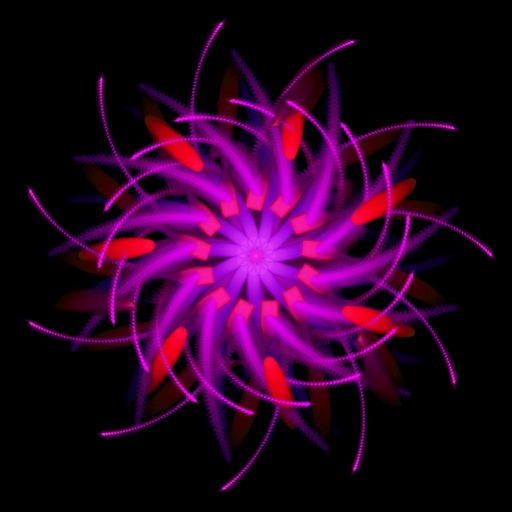
Create and explore evolving visual environments with touch interactions. Save screenshots, change colors with double taps, clear the screen by shaking, and customize shapes and modes through controls. Use personal photos to enhance creative play.
by Bolasol, Inc.★ 4.559 ratingsEntertainmentFreeData updated 2026-09-08
The app offers over 500 flashcards covering letters, numbers, shapes, colors, animals, and first words. It is designed for simple use, allowing babies and toddlers to explore over 100 flashcards for free.
Explore by applying simple rules to generate complex patterns. Customize colors, adjust parameters, and create unique simulations. Save and share generated patterns. Manipulate grid size and initial conditions to experiment with different outcomes.
Solve jigsaw puzzles by rotating pieces with double taps. Autosave progress. Zoom in/out using multitouch gestures. Preview final image before completion. Create puzzles from personal photos. Share completed puzzles.
Play a 3D archery game set in Sherwood Forest. Aim and shoot arrows at enemies using touch-based controls. Use physics simulation for realistic arrow movement. Complete missions and battle the Sheriff's forces.
Allows manual adjustment of exposure, focus, shutter speed, and ISO. It offers a minimalist interface with an option to hide controls for mirroring. Users can the via AirPlay to devices like Apple TV or software receivers.
Create and customize digital art with a wide range of brushes, colors, and patterns. Import images to or use pre-designed illustrations. Save and share artwork. Adjust brush size and opacity. Layer elements for detailed compositions.
Play a minesweeper game with touch controls designed for speed. Reveal cells by tapping, flag mines, and solve puzzles without guessing. All boards are guaranteed solvable.
Create interactive light effects with customizable animations and touch responses. Adjust colors, brightness, and motion patterns. Share creations via social media or email. Sync with Apple devices for full-screen display.
This app provides entertainment for children and parents. The app features animated graphics and sound effects, and users can control the scan results to show "random", "nice", or "naughty".
Navigate through 30 unique with varying themes and animated characters. Move a pirate to treasure island, guide kids back to school, or explore an underwater world. Adjust controls for easy navigation. Track progress through different levels.
Create calming, trippy art by touching the screen to simulate flowing, colorful . Manipulate patterns with single or multiple touches. Explore soothing visuals and sounds to reduce stress and promote relaxation.
Create digital paintings using layers, masks, and clipping. Apply smudge and blur tools for texture. Draw shapes and use pure colors. Erase parts of artwork. Save and share completed pieces.
Interactive stories with and his friends. Tap to make laugh, explore environments, and complete simple tasks. colors, shapes, and numbers through playful activities. Includes sound effects and animations.
Play a turn-based game where players guess which animal will appear next. Share results with friends via social media. Customize game settings for multiplayer sessions. Use humorous animations and sound effects to enhance gameplay.
Encourages interactive play through swiping to grow trees and attract animals. Users can touch animals, nuts, flowers, clouds, and ponds to explore a playful environment. Promotes curiosity with simple, engaging touch interactions.
Mute video with Simple Mode by selecting the video and pressing 'Save.' Use Time Range Mode to replace specific sections with silence or bleep sounds. Adjust sections for precise control.
Pop It 3D allows users to pop colorful bubbles with realistic sounds. Features include 3D bubble popping, customizable colors, and stress-relieving gameplay. Users can interact with sensory , adjust settings, and save progress.
Bounce a through a rotating tower. Avoid red blocks by spinning the tower. the tube to break it and move to the next platform. Use one-tap controls to navigate and clear obstacles.