Apps Like TypePic-Put text in the image for iPhone and iPad
Add text and filters to photos.
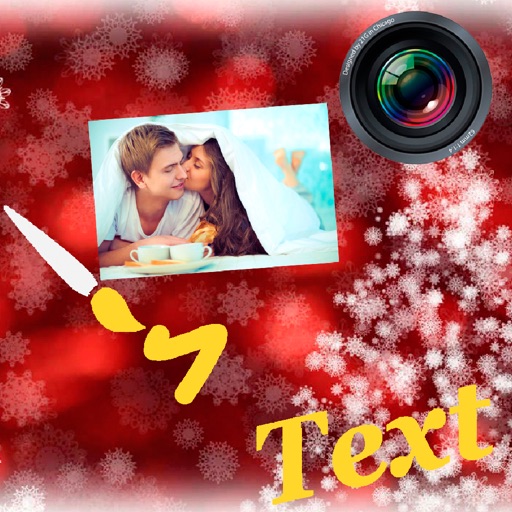
The app allows users to add text and filters to photos. Users can select from various fonts and adjust text properties like transparency, color, and shadow.
by Fineseed inc★ 4.79 ratingsPhoto & VideoFreeData updated 2026-10-12
The app provides over 1000 native emojis, 3000 text and emoji art presets, and 2000 stickers and animated emojis. Users can express themselves with thousands of new, animated, 3D emoticons, emoji arts, text arts, and stylish fonts.
The app allows users to create custom designs with quotes, artwork, and filters. Users can overlay text on photos using curated fonts or their own, and add designs with shapes, symbols, or emojis.
Create image compositions with layers, shapes, and text. Edit photos with touch-up tools and painting features. Add filters and adjustments. Export in various formats and share directly.
Add to photos using over 63 customizable fonts. Customize , size, and color. Apply filters, stickers, and artwork to enhance designs. Save and share edited images directly.
Edit photos with smart foreground recognition to isolate subjects. Add customizable with options for font style, size, color, opacity, alignment, spacing, shadow effects, and background colors. Crop images using an easy-to-use tool.
Add and choose from over 80 fonts to customize appearance. Adjust typography style and layout. Share edited images to social media or save to library. Create -based posters with or without background images.
Create portraits that reflect personal style with customizable and synthesis tools. Adjust images using blur, resize, and text overlay features. Share edited photos directly to Twitter.
Create posters, flyers, and ads without watermarks
Create posters, banners, and flyers with customizable text and graphics. Add text to photos using 300+ font options. Design invitations, greeting cards, and logos. Export without watermarks for business use.
Create and share short videos as animated GIFs or MP4. Capture frames with the or import photos, videos, or live photos. Apply real-time color filters, add text or frames, and record stop motion.
Edit videos by trimming, splitting, and merging clips with adjustable durations and transitional animations. Apply diverse filters and retouch photos. Add multi-layer subtitles with adjustable timing and customizable fonts.
Create posters and posters using pre-designed templates. Choose from thousands of options for business, social media, or events. Customize text, colors, and layouts. Export in various formats and share directly.
Create clouds by selecting color themes, fonts, and layouts. Choose from six layouts including horizontal, vertical, and half and half. Input text to generate clouds where common words appear larger.
Create posters, flyers, and advertisements by adding text to photos. Choose from 300+ fonts, adjust size and color. Design quotes, invitations, and greeting cards. Export without watermarks. Sync with social media platforms.
Digital with customizable backgrounds. Add text with adjustable fonts, colors, and borders. Draw on photos or include images that can be moved, rotated, and scaled. Save and share finished designs through social media apps.
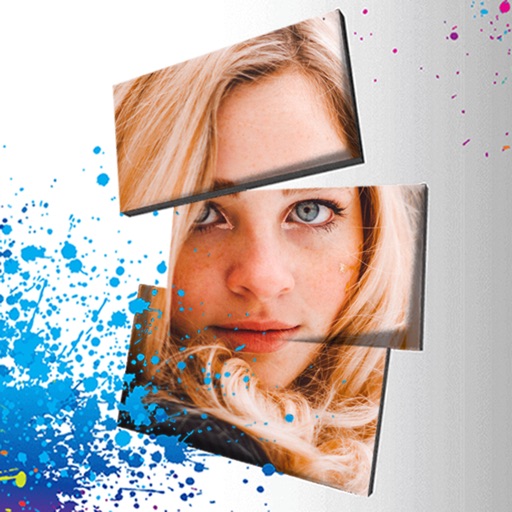
Edit photos with 3D and color effects to create立体 art. Apply special effects to enhance images. Save and share edited photos directly. Use fun and intuitive editing tools for creative customization.
The app creates unlimited collages with a single tap using a SmartSorting algorithm. Users can import photos, select modes, and apply various styles, text, backgrounds, filters, and stickers.
Edit photos by applying local filters to specific image areas or text. Add multiple graphics and text elements with different filters. Export edited images in various formats and share directly.