Apps Like Score Creator: compose music for iPhone and iPad
Compose music on the go.
The app allows users to compose music scores with various symbols and multiple tracks. It supports different instruments, transposing instruments, and playback.
by Sharp Notes Company Limited★ 3.5493 ratingsMusicFreeData updated 2026-10-12
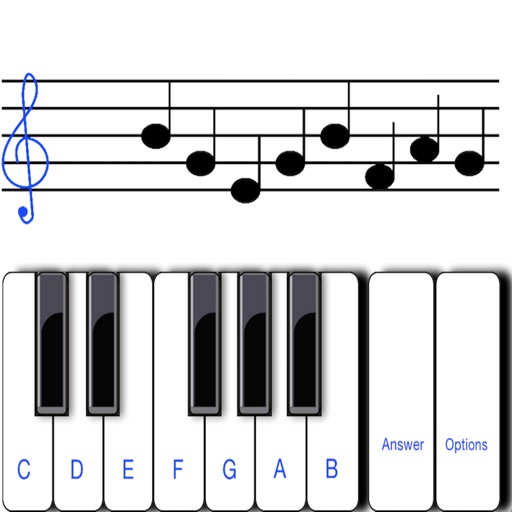
Learn to read notes with interactive that display notes on the staff. Practice identifying notes on a virtual instrument and receive instant feedback. Track progress with built-in quizzes and ear training exercises.
The app provides the iPad edition of a hymnal, featuring music, search capabilities, and song information. It offers various song versions, including instrumental arrangements, with options for in-app purchases to expand content.
Teaches children about big bands and musical instruments through an interactive story. Allows users to explore images of instruments, listen to audio clips, and complete simple quizzes.
Helps users instruments with real-time feedback. It detects intonation and rhythm errors during performances. Users can review notes individually to improve accuracy. The supports , viola, and cello.
Learn by identifying notes in 60 seconds. Play daily for a week to improve recognition. Challenge friends to compete on scores. Track progress and practice sight reading skills. Share results and compare with others.
The app captures images of sheet music and plays the song back. It processes multi-page scores from PDFs and saved images, displaying recognized musical symbols and offering controllable playback with instrumental sounds and drum tracks.
Learn numbers, letters, colors, and shapes through interactive games. Play animal sounds and musical instruments like , guitar, and drums. Correct pronunciation is emphasized. Parents can use the to engage toddlers in educational play.
To notes in G and F clefs. Practice notes above and below the staff across six octaves. Randomly generated notes apply to any instrument. Switch clefs for varied practice. Receive feedback on missed notes. Set pace and limit octaves for beginners.
Play by tapping notes on a four-key board. Adjust game speed in 15 steps. Complete daily and weekly challenges to earn rewards. Access a large library of songs. Track progress and compete for high scores.
The app allows users to draw musical notation directly onto a score using touch gestures. It offers playback with 30 instrument voices and supports various musical symbols and expressions.
Transform in real time using adjustable presets and sound engine. Change to baby, tenor, robot, choir, animals, or instruments. Apply effects like AutoPitch, vocoders, and percussions. Record and share transformations.
Read and manage from PDF, image, text, and MIDI files. Import scores via camera, photos, or files. Organize by title, artist, and setlist. View scores in horizontal, vertical, or two-page modes. Annotate with pen, text, shapes, and stamps.