The Post-Tonal Tool Kit offers pitch-class and tone row analysis for post-tonal music. It includes a PC Set Calculator, Subset/Superset Calculator, and Matrix Calculator for music theory students and classroom use.
by A Squared Applications★ 4.36 ratingsMusic$4.99Data updated 2026-10-16
Define pitch class sets and analyze them using musical set operations. Calculate Normal Form and Prime Form. Display Forte Number and interval class vector. Show transposed and inverted sets. Display set matrix. Sort, invert, or complement sets.
A calculator with large buttons and a clear display for efficient calculations. Supports basic arithmetic operations. Includes a Retina Display for improved visibility.
A calculator with a clear display and large buttons supports functions. Switch between portrait and landscape modes on iPad. Perform simple calculations without additional features.
Practice music theory with multiple choice questions and call and response exercises. Identify musical elements and concepts. Compete against players globally. Track progress and receive feedback on accuracy.
Develop musical ear through 80 progressively challenging levels. Recognize intervals and improve solfege skills. Identify pitches relative to a tonal center. Syncs with Apple Health.
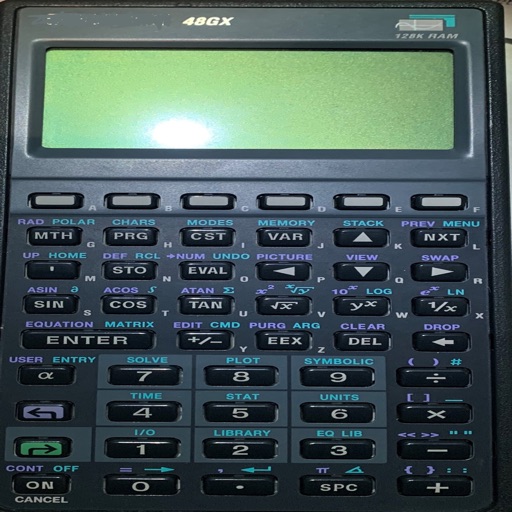
Solve equations and graph functions with advanced math support. Perform calculus operations and matrix calculations. Customize settings for precision. Access detailed tutorials and a comprehensive user manual.
Estimate volume for rectangular, circular, and stepped slabs, footings, columns, walls, and steps. Calculate block and CMU quantities for walls. Estimate mortar mix materials and rebar amounts. Determine gravel needs for bases.
Solve problems by typing or snapping a photo. Get step-by-step solutions for pre-algebra, calculus, trigonometry, and more. Calculate derivatives, integrals, equations, and fractions. Graph functions and analyze results.
Solve equations and graph functions with advanced math support. Perform calculus operations and matrix calculations. Access detailed tutorials and a comprehensive user manual. Export results and share calculations.
Track pitches, balls, and strikes with customizable modes for different innings. Monitor counts and export game data for sharing. Use gun features to calculate speed. View and update game scores in real time.
Practice musical notes with adjustable pitch and octave selection. Choose difficulty levels from easy to expert. Use reference pitches in practice mode. Transpose notes to different keys. View note names, piano keys, or solfege.
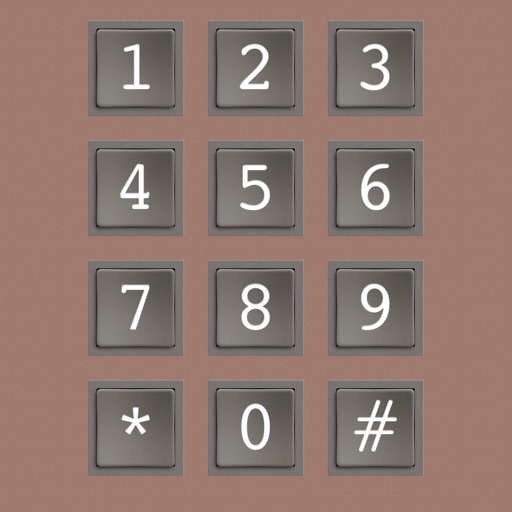
The app generates phone tones for nostalgia, fun, and educational purposes. It includes Blue Box, Red Box, Green Box, Special Information Tones, and DTMF tones.
Adjust audio levels with a maximizer for louder playback. Customize bass and treble settings. Use spatial audio for immersive sound. Apply presets for different music genres. Boost without distortion. Share modified audio files directly.
A calculator with a large, easy-to-read display and simple buttons. Perform addition, subtraction, multiplication, and division. Features a clear layout and user-friendly design for everyday use.
Turns smartphone into a with 3 viewing options. Calibrate all 4 sides and display angle, slope, or roof pitch. Includes sound effects and orientation lock. Supports surveyor, carpenter, mason, torpedo, post, and line levels.
Explore musical scales and tunings through interactive soundscapes. Adjust pitch and harmony by touching and manipulating virtual instruments. Discover new tonal structures without prior music theory knowledge.