The app uses an automatic colorization technique based on scribbles to change object colors in photos. Users can mark parts of an image with any color and the app will apply the changes.
by Leszek Szary★ 4.419 ratingsPhoto & Video$1.99Data updated 2026-10-12
Professional camera and photo editing application.
The app offers a professional camera with extensive photo editing capabilities. It includes filters, adjustments, effects, blur, focus, drawing, cropping, resizing, and text tools for image enhancement.
Edit photos by selecting specific objects or colors to emphasize, converting the rest to black and white. Adjust and save the edited image. Take photos with the camera or open existing files.
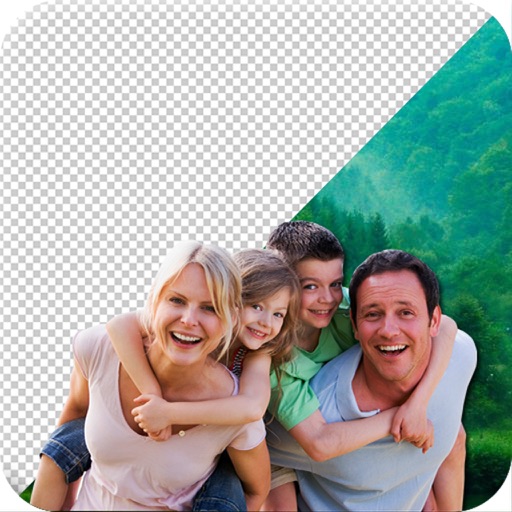
Remove backgrounds or objects using AI by adding a and tapping "remove." Adjust the new background to a custom color, white, another image, a gradient, or a preset. Add text, shapes, and photos to the edited image.
Edit photos and videos with advanced tools including exposure, ISO, and white balance adjustments. Adjust focus, color grading, and apply filters. Export in various formats and share directly.
By removing fading, scratches, and yellowing. Enhance color and clarity using AI. Convert black-and-white images to color. Adjust brightness, contrast, and sharpness. Export restored in high-quality formats.
Analyze outfits to identify clothing colors and provide matching shade suggestions. Generate detailed color reports and track analysis history. Save favorite outfits and receive recommendations for improving style.
The app allows users to edit photos by changing the background of selected images. Users can erase the existing background and replace it with a new one, including stylish color effects and text.
The app offers manual and semi-automatic exposure modes, with controls for shutter speed, ISO, and exposure compensation. It includes various focus modes, white balance presets, and a selection of filters for color, contrast, and edges.
Draw and color characters directly on the screen or with a pencil on paper. Access a public gallery to share art. Follow step-by-step drawing guides. Color pages with solid or gradient colors. Color pixel art by numbers.