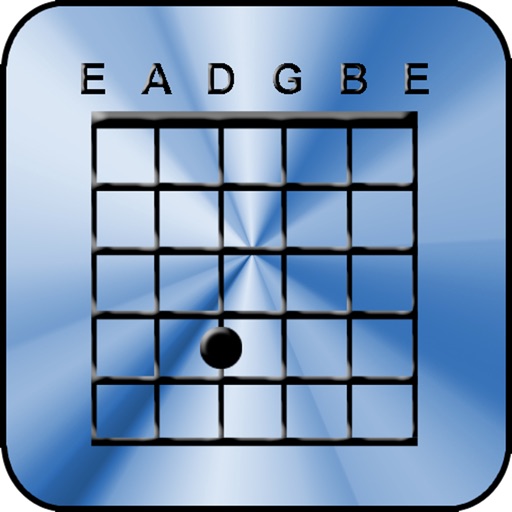
The app shows the name and music staff location for each note on the guitar's fretboard up to the 12th fret. Users can click any note to find its name, alternate voicing, and music staff location.
by 5 Diamond Music Services, Inc.★ 4.01 ratingsMusicFreeData updated 2026-10-12
Play with an 88-key and 7 octaves. Choose from 5 instruments and adjust sound settings. Resize keys and save custom configurations. Practice lessons or play live. Export music recordings.
Create and arrange music with chord progression tools, lead sheet display, and notation editing. Generate backing tracks, export songs, and transfer files. Play and record melodies, add lyrics, and print sheet music.
With video tutorials that explain each step clearly. Practice chord transitions and strumming patterns. Track progress and access song tutorials for popular music.
The app allows users to play guitar songs with a single finger. Users can touch the screen repeatedly to play notes and follow along with famous guitar pickings.
Tune instruments with auto-tune and manual modes. Detect pitch with and strobe tuning. Adjust string calibration for accurate tuning. Display note names and pitch frequency. Support multiple string configurations and tuning presets.
Create and play -style music using , electric guitar, and percussion samples. Arrange tracks, connect to speakers for live sound, and simulate a home concert experience. Adjust settings and use built-in instruments to compose and perform music.
Learn and practice notes, chords, and soloing. Access ear training exercises and sight reading drills. Track progress and set daily practice goals. Sync with real instrument for applied learning.
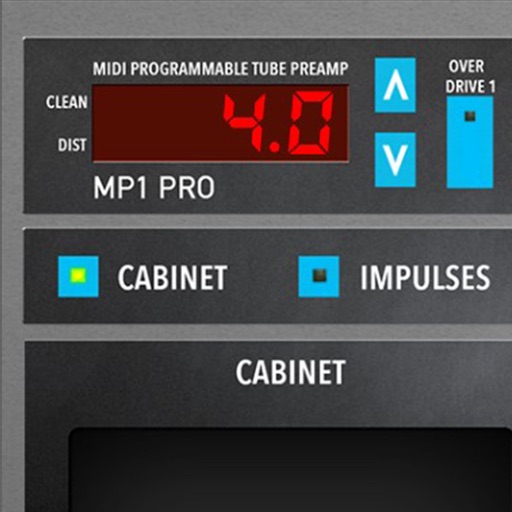
Adjust audio signals with tri-state voicing options for distortion tube, clean tube, or solid state. Apply digital delay with lo-fi filter and time offset controls. Customize power amplifier settings including presence, resonance, and power switch.