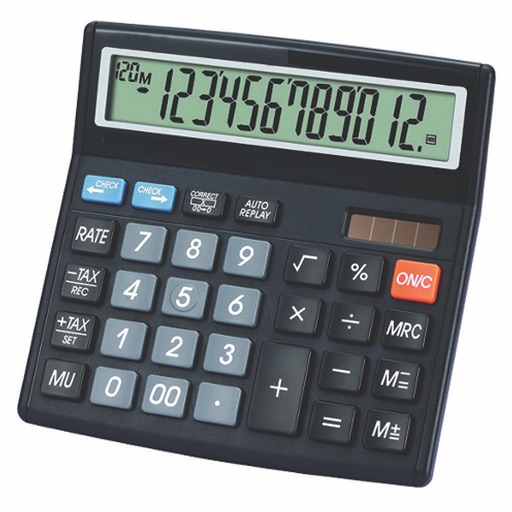
Perform calculations with a clean interface. Store and reuse numbers using the Memory Area. Bookmark equations for quick access. Drag and drop values between calculations. Switch between scientific and basic modes. Export results as text or image.
by Raja Vijayaraman★ 4.71,940 ratingsProductivity$1.99Data updated 2026-11-04
Calculate totals, budgets, and what-ifs with lists
Create and manage lists with formula-based calculations. Enter row references like L1+L2 or (L1+L2)/2. Save and reuse templates for recurring tasks. Access a custom keyboard for quick number and operator input.
Calculate trigonometric values for the by inputting radians or angles. Display step-by-step solutions and support negative numbers, decimals, and fractions. Save calculations in history and share results.
Calculate taxes with real-time GST rate updates. Input values to compute and GST amounts. Use memory functions M+, M-, MR, MU for financial calculations. Switch between two button layouts for easier navigation.
Perform calculations with basic and scientific modes. Switch between portrait and landscape views. Display calculation steps and use a voice-activated . Customize keyboard layout and choose from two skins.
The app helps shoppers determine the selected value by comparing prices and size. It calculates discount percentages and coupons, alleviating confusion on multiple discounts.
Scientific calculator with powerful graphing functions.
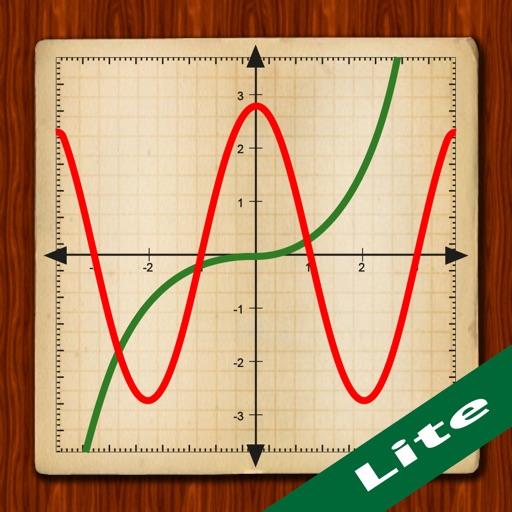
The app provides a scientific calculator with a history tape and graphing capabilities for up to four functions. Users can zoom, pan, and trace graphs, and view function values in a table.
The app helps users track and manage habits with easy-to-use features. It supports number and check type habits, with flexible repeat options for daily tasks and goals.
Calculator++ displays expressions in real-time and maintains a calculation history. It supports fraction operations, unit conversions, and advanced functions. Users can graph equations and perform complex calculations.