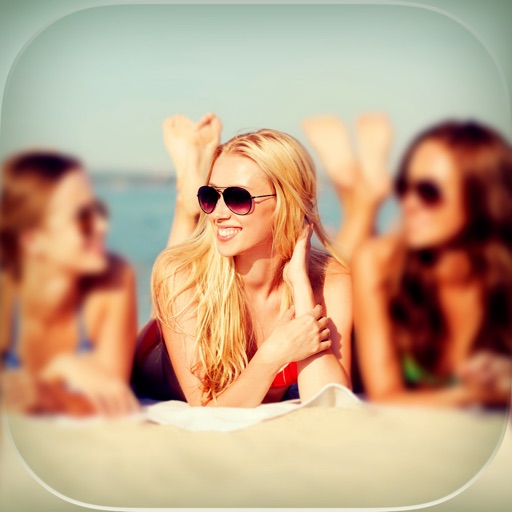
Crop images into various shapes using over 70 masking tools. Adjust background colors. Export directly to Instagram or other apps. Share edited photos across supported platforms.
by Yusuke Horie★ 4.8157 ratingsPhoto & VideoFreeData updated 2026-09-08
Edit photos with rotation, straightening, resizing, cropping, and border tools. Adjust color, temperature, tint, and apply film effects, light leaks, and lens flares. Add overlays, textures, and dirt effects.
The app offers tools to transform photos with color splash effects, including sepia and cyanotype tones. Users can add frames, use custom cutouts, and adjust colors for vibrant results.
Enhance photos with AI-powered adjustments, skin smoothing, and natural lighting. Remove blemishes and refine features. Adjust tone and brightness. Export edited images in high quality.
Create expressive text art by drawing with realistic brush strokes. Choose from artistic fonts and customize colors and styles. Resize or crop backgrounds to fit designs. Edit text layers by moving, resizing, and rotating.