Crop images into various shapes using over 70 masking tools. Adjust background colors. Export directly to Instagram or other apps. Share edited photos across supported platforms.
by Yusuke Horie★ 4.8157 ratingsPhoto & VideoFreeData updated 2026-09-08
Create animated GIFs from Live Photos, burst shots, videos, or still images. Adjust slide speed and generate emoji-style animations. Export GIFs in various formats and share directly to social platforms.
Resize photos to fit Instagram's format. Adjust dimensions and crop images precisely. Share edited photos directly to social media. Maintain image quality during resizing. Apply basic editing tools for optimal framing.
Add to photos with customizable fonts and styles. Choose from 250+ fonts and 200+ templates. Include layers for , images, shapes, and stickers. Access a variety of stickers, icons, and quotes. Apply single color or gradient color palettes.
Resize photos with batch processing for multiple files at once. Use smart crop tools with customizable aspect ratios. images to reduce file size without quality loss. Rotate and flip photos for correct orientation.
Edit photos by blending multiple images together using advanced editing tools. Adjust brightness, contrast, and color. Access a library of preloaded images to mix with personal photos. Export and share edited results.
Add holiday , backgrounds, and text to photos. Adjust brightness and contrast for better visibility. Share edited images directly to social media or via email.
Record videos while reading scripts from the screen using a . Trim and crop recordings. Edit videos with built-in tools. Adjust text size and speed. Share finished videos directly.
Edit photos with filters, cropping, and brightness adjustments. Add text, stickers, and borders. Export in various formats and share directly. Adjust colors and apply effects for enhanced visuals. Simplify editing with an intuitive interface.
Edit photos and videos with advanced filters, color correction, and layer blending. Add text, stickers, and effects. Export in various formats and share directly. Sync with cloud storage and access templates for editing.
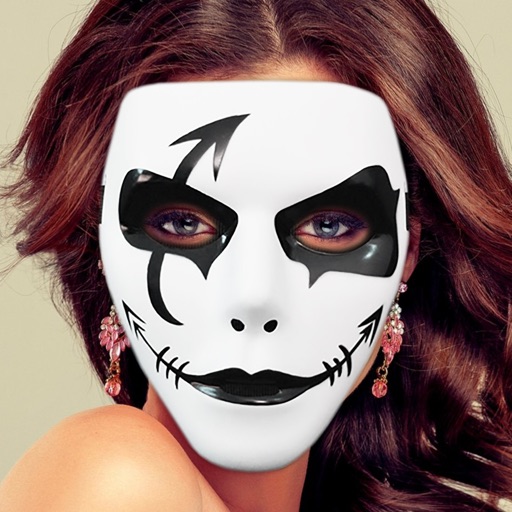
Apply masks to photos by selecting from over 50 options. Adjust mask position and size. Crop or scale the photo freely. Save and share the edited image.
Edit photos by applying -themed frames from a collection. Select images from the camera or gallery. Add text to personalize messages. Share edited photos directly.
Add high-quality , decorations, and clip arts to photos. Organize into categories. Rotate, scale, and adjust fade values. Customize background color and fade for transparent . Include emoji, love, and letter for personal messages.
Edit photos with drawing tools, text stickers, and customizable colors. Crop with adjustable ratios. Apply filters and effects to change visual styles. Adjust brightness, contrast, and saturation for professional results.
Create collages by arranging multiple photos in predefined shapes. Choose from 100+ categories including hearts, animals, and flowers. Automatically place photos within selected shapes. Export finished collages.
Remove similar color backgrounds from images and save transparent versions to the camera roll. Erase using finger or wand tools. Zoom and rotate with two fingers. Crop photos and share to other apps.
Save photos with GPS location and timestamp. Set names and dates. Share photos directly. Search for places and export to Photos . Includes iMessage sticker and widget for quick access.