Apps Like Template for MS PowerPoint for iPhone and iPad
Pre-designed templates for PowerPoint presentations.
The app offers 155 pre-designed templates for Microsoft PowerPoint presentations. It includes 25 motion templates with video backgrounds and 130 static templates with unique layouts and professional elements.
by UAB Macmanus★ 0.00 ratingsGraphics & Design$9.99Data updated 2026-10-11
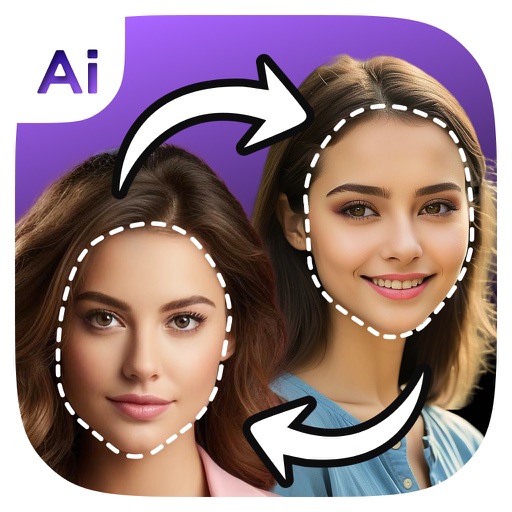
Faces in photos using AI technology. Apply 1000+ preloaded templates or upload custom ones. Adjust facial features and expressions. Export edited images in various formats and share directly.
And PDF files by selecting pages or ranges. Extract individual pages for easy sharing. Combine multiple documents into one. Save and share edited PDFs directly from the .
Save and organize frequently used texts, emails, and phone numbers with one-tap access. Customize templates with dynamic variables. Sync phrases across iOS devices using iCloud. Store and manage copied text snippets.
Create professional flyers and menus by selecting from curated templates. Customize text, colors, and layouts. Add food photos and logos. Export as PDF or image files for print or digital use.
Create posters, flyers, stories, and posts using an intuitive editing panel. Access customizable templates to design eye-catching visuals. Adjust colors, fonts, and layouts to convey messages effectively.
Create product mockups with realistic 3D rendering. Choose from multiple templates and customize colors, textures, and backgrounds. Export high-quality images for presentations or marketing materials. Share mockups directly via email or social media.
AO allows viewing, editing, importing, and exporting PDF, Word, Excel, and PowerPoint files. It includes Writer for document creation and editing, Calc for spreadsheet calculations, and supports full OpenOffice features.
Presentations include over 700 high-quality designs for slides, infographics, and data visualizations. Each theme offers up to 25 master slides for customizable layouts. Themes cover portfolio, business, travel, leisure, and fashion.
Control presentations from a mobile device. Navigate slides, adjust timing, and manage transitions during rehearsals. Display slides wirelessly via VGA adapter or AirPlay mirroring. View audience feedback and annotations in real time.
Access conference details, presentations, and exhibitor information. Take notes on slides and draw directly on them. Connect with other attendees and manage event-related content.
Create professional slideshows with text, images, and animations. Import from other formats. Save and export in multiple file types. Sync presentations across devices using cloud storage. Collaborate by sharing links and editing in real time.
Installer allows users to install and use 26 fonts across compatible applications. Fonts can be tested directly in Word, Excel, PowerPoint, Numbers, Keynote, Pages, and Cricut. Users can share text via messages or social networks after selecting a .
Edit photos using 15 unique presets for consistent styling. Apply free filters and adjust settings manually. Access over 400 templates from collections like Pastel and Polaroid. Share edited photos directly.
The app offers 160 Microsoft Word templates with colorful backgrounds and text layouts. Elements within the templates can be moved, recolored, or removed for user customization.