The app functions as an angle gauge for selecting sample trees during timber inventory using the point sampling method. It allows users to calibrate the gauge, change its appearance, and select from common Basal Area Factor values.
by Corvallis Microtechnology, Inc.★ 4.01 ratingsProductivity$9.99Data updated 2026-10-11
Take a and use the Move button to align the measurement area with the center of the . Adjust the measuring line using the Angle and Start Line buttons to display angle and radian values.
Measure and display decibel levels in real time using a gauge. Record maximum, average, and minimum decibel values with a logarithmic graph. View accurate level readings. Access a history page to review past decibel data.
Use device sensors to check horizontal and vertical alignment of objects. Point camera at object to detect crookedness and measure degrees. Switch to protractor mode to measure angles for precise cuts.
The app offers tools for home decoration, picture alignment, and angle measurement. It can also be used for slope projection and checking the verticality of partitions or furniture.
Convert units across 17 categories with 398 options. Switch between currencies using daily updated exchange rates. Access converter on Apple Watch for quick and conversions.
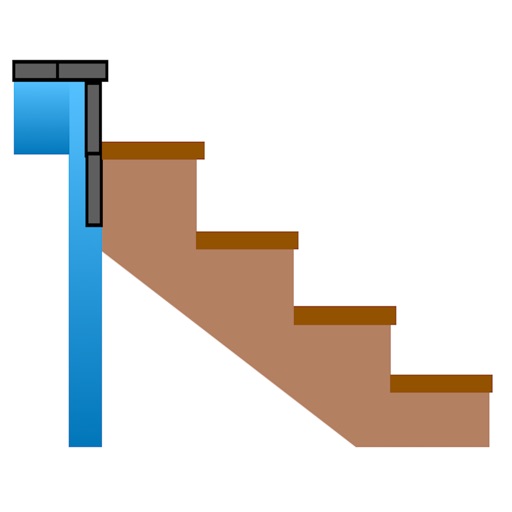
Calculate risers, run, angle, length, step height, tread depth, and number of steps. Adjust parameters for customization. Switch between Imperial and Metric units. Email or text results as needed.
Convert units for weight, length, temperature, volume, area, speed, and time. Access size charts for clothing and accessories. Perform everyday conversions like cooking measurements and tyre pressure.
Create vector artwork on iPad with precise drawing tools. Align objects to grids, paths, or points. Scale and rotate multiple objects in real time. Use masks to cut out elements from artwork or photos. Position text at any angle or along paths.
The app checks physical and chemical characteristics of optical materials for Fourier Transform Infrared Spectrophotometers. It also offers unit conversions for laboratory operations including wavelength to wavenumber.
Solve triangles with two modes. Regular triangle mode allows input of 2 sides and an angle, 2 angles and a side, or 3 sides. Right triangle mode accepts 2 sides or a side and an angle. Calculates missing values based on input.
The app functions as a geological compass for geologists, measuring dip direction and angle of geological strata. It displays real-time device orientation in a stereographic projection and allows data transfer to a computer.
The app measures angles and slopes using the device's camera. It offers two modes for measurement and allows users to capture screenshots of their measurements for later review.
Display data from wireless devices like iLevil3 or B.O.M. alongside navigation apps. Customize instrument panels and arrange modules for real-time flight information.