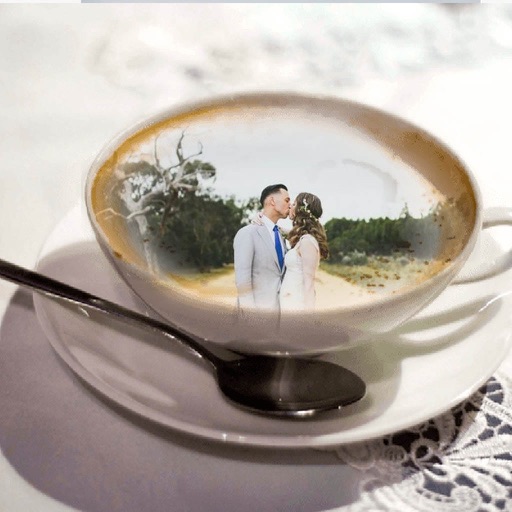
Select photos from phone or tablet to print on . Choose from 12x12 square or landscape/portrait sizes. Print at Walgreens. Share from Instagram, Facebook, Flickr, Google Photos, or Dropbox.
by MEA Mobile Limited★ 4.8326 ratingsPhoto & VideoFreeData updated 2026-09-08
Create posters quickly without design skills. Select background ratios, add text with customizable fonts, include stickers and images from the gallery. Design for business, marketing, or events.
Create and customize grids with adjustable square or custom block sizes. Set canvas dimensions for accurate layout. Position and resize images within the . Adjust properties and view physical measurements. Submit feature requests directly from the .
The app transforms photos into painterly artwork with expressive brushwork and multiple canvas styles. It offers a live split preview, curated presets, and the ability to blend effects with the original image.
Post full-size photos to Instagram without cropping. Adjust orientation, scale, and flip images. Apply filters, add borders, frames, stickers, and text. Customize backgrounds with blur, shapes, and shadows.
Edit photos with filters, backgrounds, patterns, textures, frames, and stickers. images to format. Access photos from the gallery or capture new ones with the camera. Apply creative tools to enhance and style images. Share edited photos directly.
The app allows users to upload photos from their online collection and order prints. Users can select finishes, borders, and various print sizes for their photos.
Convert text prompts into high-quality images using AI technology. Generate visual concepts for design projects, marketing materials, educational content, and artistic exploration. Adjust styles, colors, and details to refine outputs.
Access campus maps to navigate buildings and find locations. View event calendars for academic, seminar, and special event updates. Receive notifications about university news and activities. Connect to learning platforms like Canvas.
Edit photos by selecting from the gallery or using the camera. Apply multiple and effects. Adjust image position, size, and angle. Save, share, or upload to social media platforms like Facebook, Twitter, and email.