The app enables event photographers and photo booth companies to share experiences. Guests can share event photos to Instagram, Facebook, Twitter, Email, and text.
by PICPIX INC.★ 4.04 ratingsPhoto & VideoFreeData updated 2026-10-11
Plan and schedule posts for Instagram, TikTok, Facebook, Pinterest, LinkedIn, and Twitter/X. Edit and draft content on the go. Save drafts and set automatic posting times. Reuse content across platforms. Manage multiple accounts in one .
Convert videos into Live Photos and set them as wallpapers. Customize background color or pattern. Adjust size and position. Share live wallpapers to . Supports Instagram Reel, TikTok, Facebook, and Snapchat videos.
Create and join private photo galleries to share moments with friends, family, or coworkers. Upload, comment, and view photos in real time. Collaborate on events by allowing group contributions and instant sharing.
Edit photos with auto enhancement, artistic sketches, beautiful paintings, and funny cartoons. Apply 700+ filters and . Add frames and stickers. Share edited photos directly.
Stitch multiple photos into a single image. Share the result on Facebook, Twitter, and Tumblr. Adjust alignment and spacing between images. Export in various formats.
Take photos and videos with 9 customizable effects including smile enhancement, face stretching, and character transformations. Adjust effects on-screen. Share images and videos via email, Twitter, or Facebook.
Turn photos into drawings, cartoons, or sketches with one click. Apply 19 effects with full control. Save creations and share via Facebook, Twitter, Flickr, Tumblr, and Email.
Capture photos and videos using connected cameras or device cameras. Adjust settings manually or use automatic modes. Share images directly to social media or email. Print photos on-site or save to cloud storage.
High Mountain Electronic Commerce Development Limited
Edit photos with stickers and cartoon effects
Edit photos with cartoon and aging effects. Add style stickers and create cartoon avatars. Share edited photos on Instagram, Facebook, or TikTok. Record and share romantic moments with partners.
Edit photos by applying filters and adding eye effects. Choose from multiple eye styles and import images from the camera roll. Share edited photos on social media platforms like WhatsApp, Facebook, and Twitter.
Create animated videos from photos or artwork using motion effects and transitions. Apply filters, adjust timing, and combine multiple images. Share finished animations to social media or via link.
Type in Nastaliq font on iPhone and iPad using Roman English . Auto-generate proper words as you type. Share messages on Facebook, WhatsApp, Instagram, Skype, Twitter, and other platforms.
Capture photos and videos from a rotating 360-degree camera. Edit images with basic tools. Share content directly to social media. Sync with compatible photo booths for seamless integration. View and manage media in a gallery.
Create before-after images by selecting two photos. Automatically arrange them in the layout. Add custom text or image . Apply censor-bars to protect privacy. Include borders and business . Share the final image directly.
Clips into one with trimming, cropping, and editing tools. Add background music from iTunes or personal recordings. Save to the Photos or share to Facebook, Instagram, YouTube, Dropbox, and other platforms.
Create videos using selected images from the gallery. Add text, transitions, and background music. Share videos directly to social media platforms. Edit photos with filters and cropping tools. Export in high resolution for playback.
Resize videos to custom aspect ratios. Crop, rotate, and adjust dimensions. Add background blur, gradients, or solid colors. Include animated text and emojis. Export videos for Instagram, Twitter, Facebook, Pinterest, and YouTube.
Create and customize layouts with images, logos, and text. Add stickers and filters. Capture photos and videos with background removal. Export in various formats and share directly. Run and video booths for events.
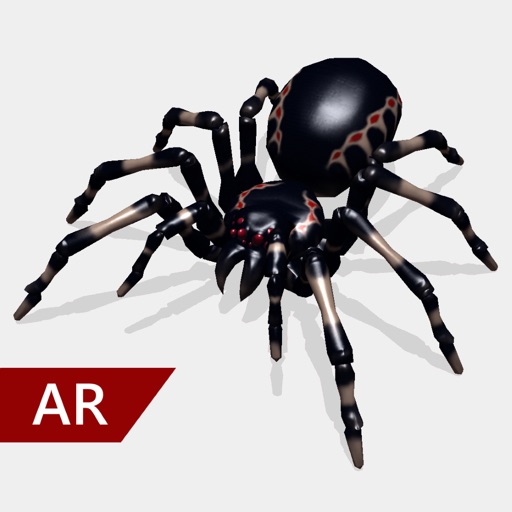
Create and share realistic scary videos featuring interactive . Choose from five spider types and adjust their size. Step on the ground to scare or let them attack. Apply nine full-screen filters to enhance the effect.