The app allows users to add images to their videos. Users can modify frame colors and letters, and intuitively edit frames by moving, rotating, and changing scale.
by kazuki oota★ 4.416 ratingsPhoto & VideoFreeData updated 2026-10-10
Edit photos with filters, effects, and AI tools to remove or blur backgrounds. Add stickers, text, and frames. Apply glitch, neon, and drip effects. Adjust colors and crop images. Export and share edited photos directly.
Compress and edit videos with batch processing, trimming, cropping, splitting, merging, and rotating. Choose H.264 or HEVC codecs with resolution options. Adjust frame rates for 240 FPS videos. Save space with efficient compression.
The app allows users to combine multiple photos into framed images. Users can select frames, apply filters, and adjust frame colors or patterns before sharing their creations.
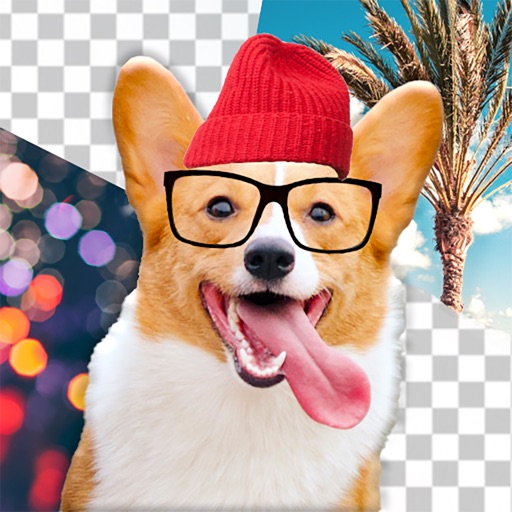
Edit dog photos with background changer, stickers, and wallpapers. Add text and voiceovers. Share edited images. Create custom puppy templates. Upload and modify dog photos for personal use.
Create collages by adding photos from the library or camera. Choose from multiple frames like heart, round, and star. Adjust photos by moving, pinching, and rotating. Select different backgrounds or use a photo as the background.
Create videos with background music, text, and photo slideshows. Add names and personal messages. Export videos for Facebook, Instagram, and WhatsApp. Include a variety of song genres for customization.
Edit photos by selecting from Camera Roll or taking new shots. Apply real-time effects to create prism-like glass pieces. Adjust frames, shapes, and patterns. Rotate, resize, and drag elements for custom designs. Export and share edited images.
Create animations using finger or Apple Pencil drawings. Access traditional tools like paint palette, auto-save, onion skin, brush, eraser, and frame controls. Duplicate, insert, and copy/paste frames. Export animations as MP4 files for sharing.
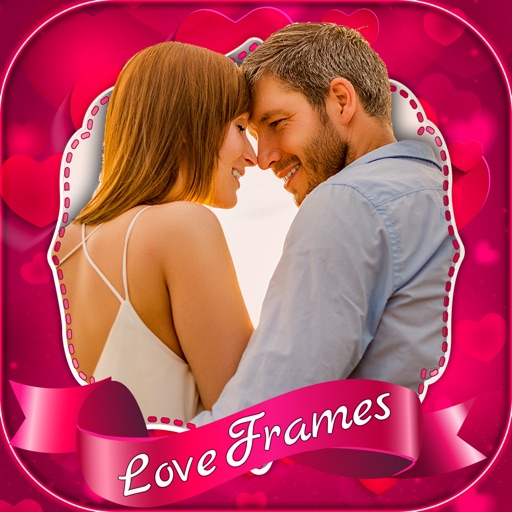
Create and share framed photos with religious and cultural decorations. Add greetings, wishes, and prayers to images. Customize with Islamic motifs and export edited photos to social media.
Auto-Trim Perfection - Automatically selects and stitches the moments from videos. Frame Your Moments in Style - Apply templates to enhance clips. Edit and export videos directly from the .
Add cute and funny labels to photos of children. Edit images with customizable borders and stickers. Organize photos into albums and share edited content directly.
The app allows users to add text captions to photos and share them. Users can select from 78 custom fonts and 41 layer effects, including banners, thought bubbles, frames, and emojis, to enhance their captions.
The app organizes photos into frames using 16 templates. Users can edit and stylize frames, and place multiple photos within a single frame before sharing.
Edit by adding customizable with unique fonts. Adjust photo size and crop images. Modify color, add borders, and adjust brightness. Share edited directly from the .