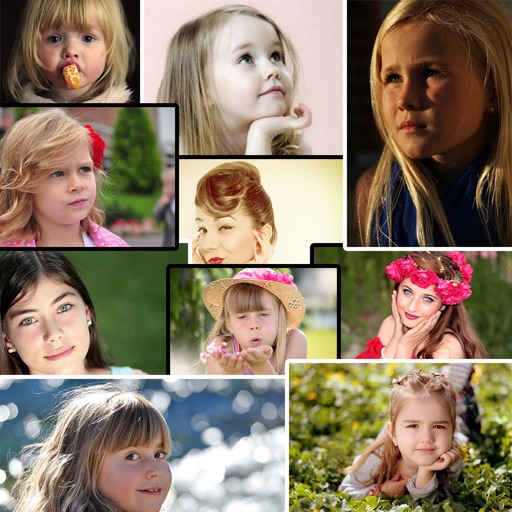
The app allows users to add images to their videos. Users can modify frame colors and letters, and intuitively edit frames by moving, rotating, and changing scale.
by kazuki oota★ 4.416 ratingsPhoto & VideoFreeData updated 2026-10-10
Create AR text overlays for videos with placement, scaling, and rotation. Add 3D extruded or flat text. Insert illustrated emojis. Record videos with text and share on Instagram or Facebook. Sync with video production workflows.
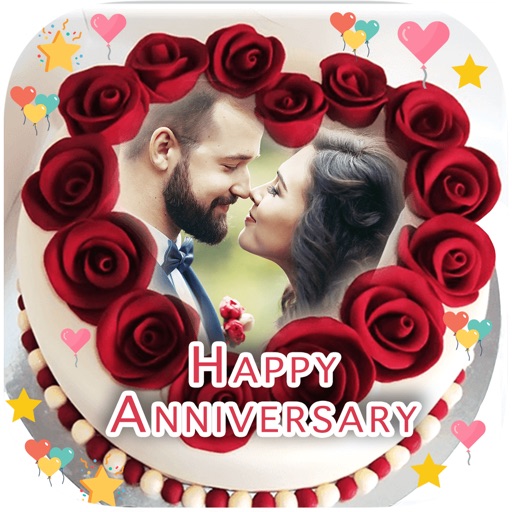
Select a and to create a personalized image. Add names and photos to the design. Share the final image via social media links. Include special greeting cards with customized name and image.
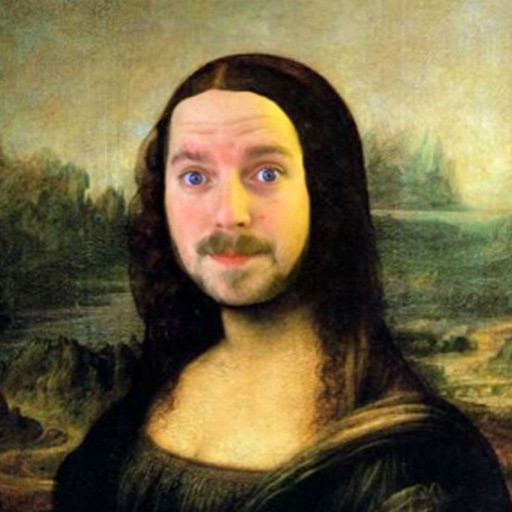
The app allows users to insert their face into 200 classic paintings using face recognition. Users can then add over 200 images, captions, and more than 40 frames to their creations before sharing them.
The app exports video frames as still images in JPEG, PNG, TIFF, or HEIC formats. Users can export frames individually or in batches using the Queue and Continuous Grabbing features.
Create custom and New Year greeting cards with text, stickers, and . Add personal messages and share edited photos. Design personalized postcards using user photos and available templates.
The app allows users to place their face onto 80 different meme templates. Users can add captions, decorations, and frames to their creations before sharing them.
Apply to images. Choose from Niagara Fall, sea surf sunset, and nature scenes. Share edited photos with friends and family. Add special effects to capture memorable moments.
Capture photos with a variety of frames including general, antique, fame, fun, heart, flower, kid, Christmas, Halloween, diamond, and gold. Use custom frames with adjustable transparency, hue, saturation, and brightness. Apply filters and effects.
Add handwritten annotations with 8 pen styles, color options, and adjustable thickness and opacity. Include text annotations with customizable fonts, colors, and sizes. Insert images as annotations. Share the annotated movie directly.