The app allows users to add images to their videos. Users can modify frame colors and letters, and intuitively edit frames by moving, rotating, and changing scale.
by kazuki oota★ 4.416 ratingsPhoto & VideoFreeData updated 2026-10-10
Create thumbnails for YouTube videos by uploading a photo or video frame and describing the desired vibe. Generate multiple high-impact options tailored for long-form videos and Shorts. Save and reuse designs for consistent branding.
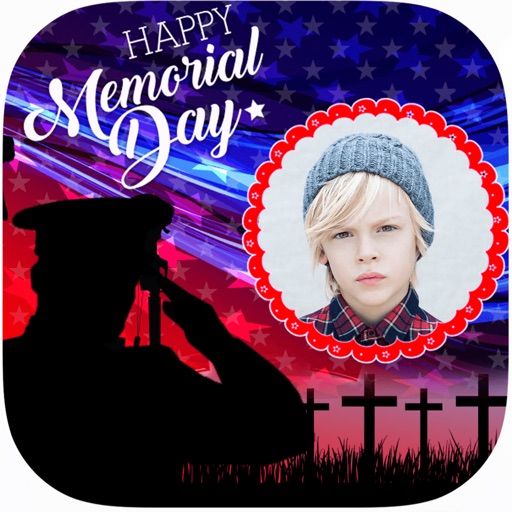
Create and apply with military-themed designs to commemorate Day. Add text and decorations to photos. Share edited images on social media or via email. Include patriotic effects and background themes.
Create and edit drawing tools and photo additions. Paint on images finger input. Move, rotate, and scale added . Save and share creations via social media apps. Offers a simple interface for note-taking and visual projects.
Create animations using frame-by-frame drawing on photos. Add doodles and export as GIF or video. Share finished animations with friends. No advanced drawing skills required.
The app offers a straightforward stop motion animation experience for iPad. Users can create short animations with a simple interface, capturing up to 18 frames per movie and adjusting the frame rate.
Edit photos with professional filters, effects, and frames. Retouch images with powerful tools like spot healing and color correction. Adjust brightness, contrast, and saturation. Crop, rotate, and apply stickers.
Scan water test to record readings and save them digitally. View charts and graphs of test results. Export data and share specific time frames of readings. Compatible only with water testing kits.
Upload artwork and place it in realistic interior scenes. Combine multiple images into diptychs or triptychs. Customize frame styles, colors, and widths. Save favorite interiors for quick access. Share edited artwork directly.
Edit photos by adding customizable frames based on metadata themes. Choose or create frames manually if metadata is missing. Save and share framed photos directly.
Create collages by combining multiple photos with patterns and grid layouts. Add stickers, text, and cool fonts. Edit photos with cropping and adjustments. Share finished collages directly.
Create festive photos with 2D and 3D -themed . Add color particles and animated effects to images. Share edited photos directly to social media. Apply pre-designed collage templates. Adjust frame size and position for custom layouts.