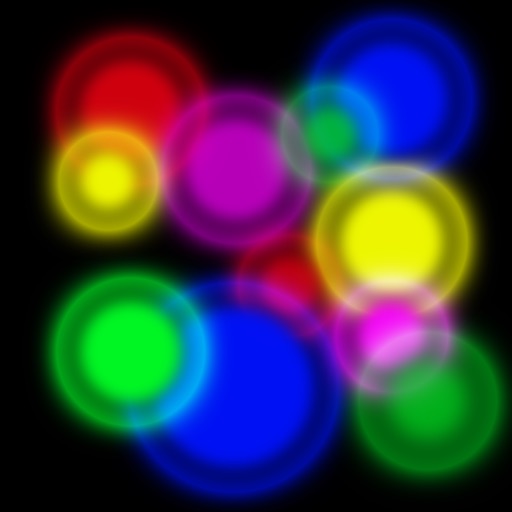
The app analyzes music and converts it to color, making the user's screen flicker according to the music. iPhones with a built-in flash use it as an additional light source, and Bluetooth/WiFi can sync with other devices.
by Urs Brauchli★ 1.01 ratingsEntertainmentFreeData updated 2026-10-10
The app presents a music simulation game where players tap markers appearing on a grid in time with the music. Tapping a filled tile earns points, with better timing yielding higher scores.
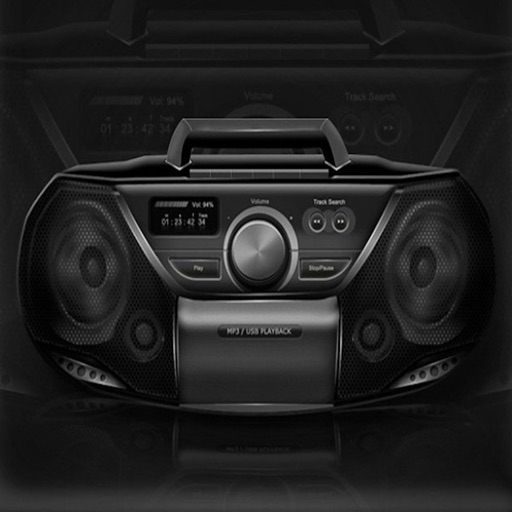
Use the to switch between and microphone output. Play music and sing along via YouTube. Listen to sound through speakers or use as a hearing aid. Simulate heart sounds or stethoscope-like audio. Connect via Bluetooth headset or .
Mbient music using geometric rules for relaxation and focus. Create endless, non-repeating tracks. View harmonic visualizations. Enable low-power mode to disable visuals. Play audio while device is locked.
Access devices via web apps using Bluetooth connectivity. Connect instruments like keyboards and DJ controllers. Control web-based music software with input and output. Sync with Web API for real-time interaction.
Play a line-drawing strategy game with touch controls. Command units and build structures to battle enemies. Upgrade weapons and deploy 40 troop types. Engage in local or global multiplayer with voice chat. Track progress on leaderboards.
Listen to Radio streams worldwide. Engage in real-time chats with friends and DJs. Access social media feeds for station updates. Watch live sports and event coverage. Participate in interactive discussions about music and culture.
Download instrumentals from various genres. Choose beats from top producers. Use with ProStudioApp for recording. Export beats for use in music production. Share beats via email or . Sync with ProStudioApp for editing.
Coloring pages are generated uniquely for each user. Pages can be colored offline without internet access. Features include relaxing music, well-chosen colors, and no third-party ads.
The app plays selected music that picks users up and makes them feel good while they work. Users can listen live, vote for songs, record audio messages, and opt into song alerts.
The app offers a ten-band graphic equalizer for iOS devices. It allows users to adjust audio tracks from their music library, device files, or iCloud Drive to suit their preferences.
The app provides tempo control through a spinning wheel or finger tap. It supports various time signatures and tempos for practice, with features like visual flashing and background audio.
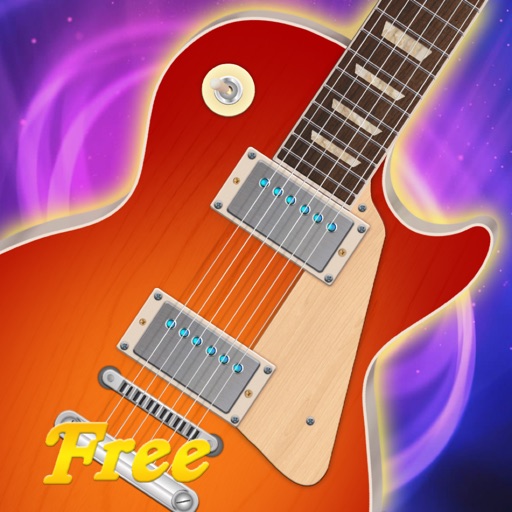
The app allows users to play music on iPad by touching and strumming six strings. It simulates playing lead guitar with a band, covering genres like Rock, Pop, Blues, and Metal.
Stream music playlists tailored for dancers. Search and queue songs by title or artist. Create and save custom playlists. Share tracks with others. Sync with Bluetooth devices. Control playback with on-screen buttons.
Control a compatible receiver with Bluetooth connectivity. Adjust volume, switch input sources, toggle power, and manage playback functions. Access radio presets and change bands. Mute and pause media. Seek forward or backward.
Adjust audio frequencies with a parametric equalizer. Add a filter band for precise control. Adjust gain and Q settings. Apply preset EQ profiles. Save and recall settings. Export adjustments for use in audio projects.