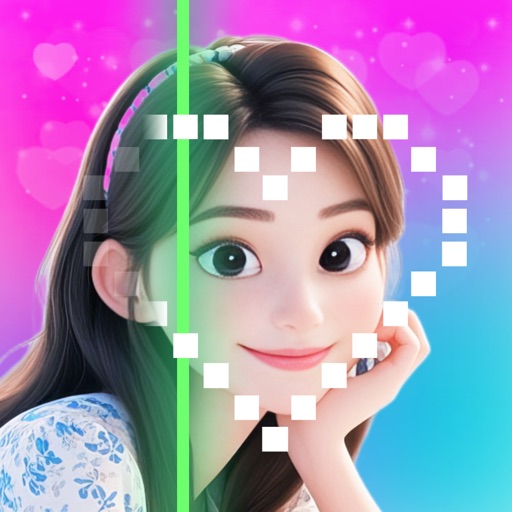
Create custom images by adding photos as backgrounds. Touch to draw dots and customize designs. Save creations and share via social media or messaging.
by Thom Ritterfeld★ 4.457 ratingsEntertainmentFreeData updated 2026-09-08
Create videos by importing characters, adding backgrounds, and inserting music. Animate characters with fun effects. Share finished videos on YouTube. Features include customizable colors, animations, and -style art.
Create art, share animations, connect with artists
Create and share art animations with an integrated online gallery and . Browse and interact with over 700,000 designs. Categorize and tag artwork with hashtags. Moderate and recommend animations using AI.
Create and edit digital art with customizable brushes and color palettes. , , and apply filters. Import and modify photos. Save and share artwork. Sync with Apple Health for progress tracking.
Create and share sketches with realistic brush strokes and modeling effects. Study forms, shapes, and architecture. Save drawings to photo library or social media platforms like Twitter, Facebook, and Sina Weibo.
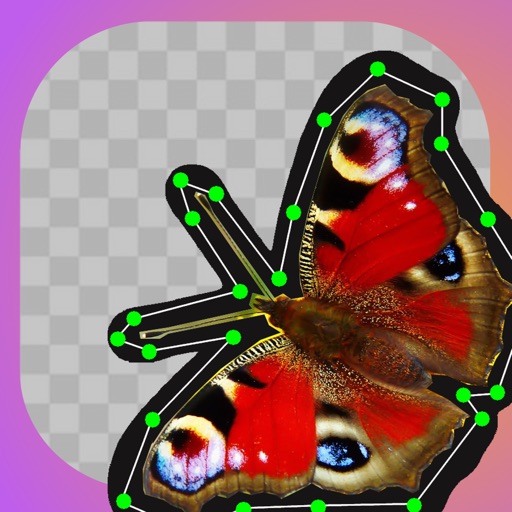
Create animated videos from photos by applying effects to specific objects. Choose from explosions, melting, crushing, cake-ifying, inflating, or squishing. Edit animations, adjust timing, and export final videos.
Create slide shows from photos with transitions and background music. Organize images, adjust photo duration, and add personal songs. Share videos on social media or save to the camera roll.
Create poster or template collages with up to 20 photos or videos. Add text to images or videos. Edit photos with filters, cropping, and adjustments. Enhance visuals with artistic text overlays. Export collages in multiple formats.
Create monsters by photographing hand-drawn sketches. Convert 2D images into 3D animated characters. Customize features like eyes, mouth, and color. Export creations to view in a movie universe preview. Share generated animations directly.
Order photos from your iPhone for pickup at CVS in 1 hour. Select and upload images. Choose sizes and options. View order status and locate nearby CVS stores. directly from the without using a kiosk.
Create collages by arranging photos and adding editing elements like frames, stickers, and text. Adjust colors and brightness. Export collages in various formats and share via social media or messaging.
Create images with added text, , or poems over photos. Customize text color, size, font, and background. Add watermarks, logos, or QR codes. Share directly to Instagram.
To create by painting shapes that generate melodies. Choose from various instruments and adjust sound parameters. Export audio files and share creations. Sync with Apple Health to track creative sessions.
Create collages by dragging photos onto a canvas. Blend images together automatically. Adjust layout and spacing. Add text and borders. Export collages in various formats and share directly.
Design posts with swipeable carousels and collages
Create swipeable posts and panoramic collages for Instagram. Use professionally designed templates or build custom layouts. Add text, images, and effects. Export and share directly to social media.
Turn text into digital artwork instantly. Remix photos into new styles. Design custom logos and visuals. Generate high-quality images without design skills. Edit and export AI-generated art in various formats.
Post full-size photos to without cropping. Select images from albums or capture new ones. Drag and scale images for layout. Overlay additional images on top of the main photo.