The app allows users to correct color casts or adjust photo warmth and coolness with presets. It offers a live split preview for comparing images and saving custom effect settings.
by 福恩 毛★ 2.36 ratingsPhoto & VideoFreeData updated 2026-10-10
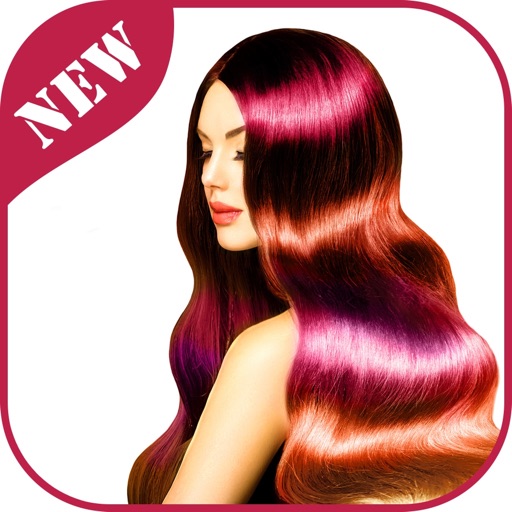
Edit photos by adding colors to specific areas. Use shape to highlight sections with desired shapes. Apply filters, adjust colors, and use brush tools. Undo and redo changes. Export edited photos in various formats.
Edit photos by selecting and applying changes. Choose from standard and bright options. Brush to apply colors accurately. Save edited images to the gallery or share via email.
The app automatically corrects color balance and exposure with the option to fine-tune adjustments. It allows users to convert images to black and white or sepia tones and supports Wide Gamut displays.
Edit photos and screenshots with background customization using 52 gradients. Adjust colors, add text, and apply effects. Export in various formats and share directly.
The app offers eight brush types and auto-saves images. Users can transfer images to their Mac via iTunes file sharing or share them through email and social media platforms.