Edit photos with vintage, color, black and white, and sepia filters. Import images from the library or capture new ones. Share edited photos to Instagram, Facebook, Twitter, and other platforms.
The app produces black and white images with a gritty, grainy look. It offers 9 black and white and 4 color live view effects in 126 and 135 film formats.
The app creates unlimited collages with a single tap using a SmartSorting algorithm. Users can import photos, select modes, and apply various styles, text, backgrounds, filters, and stickers.
The app applies dust, film grain, textures, light leaks, and gradients to images. Users can edit photos with professional tools and save edits for future use.
AI improves quality, fixes lighting, and sharpens details. AI Unblur converts pixelated or blurry images into clear high-resolution photos. Users can upload photos and apply AI-powered enhancements to restore old memories or refine portraits.
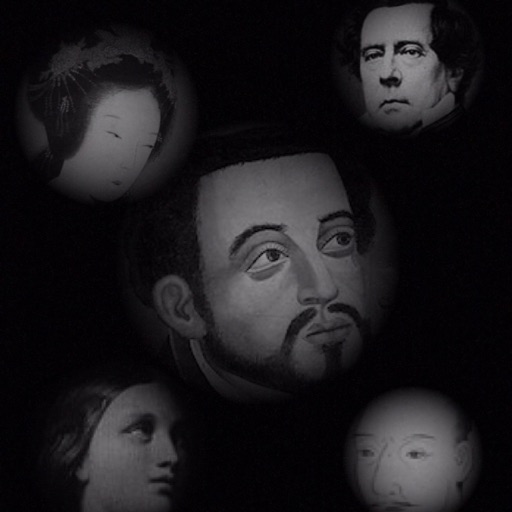
The app allows users to compose photos by combining images of people. Users can synthesize images in color or black and white, and adjust the size of faces using pinch gestures.
The app offers a professional-grade camera with manual controls for exposure, focus, and white balance. It also includes a nondestructive photo editor with adjustments for color, sharpness, and skin tone.
Convert photos into printable pages with customizable line art. Select from artistic styles and color sections by tapping. Print or share high-resolution pages. Ideal for creative expression and preserving memories.
Correct underwater photos and videos by adjusting color tones with a single tap. Transform dull blue-green hues into natural, vivid colors. No account needed. Access example media in the help section.
By applying AI-based colorization, repair, enhancement, and upscaling. Adjust brightness, contrast, and clarity. Remove scratches and red eye. Save and share edited images directly.
Edit photos with -style filters, , and color grading. Adjust exposure, contrast, and saturation. Save and share edited images. Access tutorials on composition and photography techniques.
The allows users to program images onto a SLATE via NFC. Users can select from pre-loaded templates or create custom clapperboard images. Features include cropping, scaling, rotating, and naming custom images.
Scan documents with high-resolution imaging to preserve paper details. Fax, email, or export scans as JPEG or PDF. Save files to Dropbox, Evernote, SugarSync, and other cloud services. Adjust color for improved clarity.