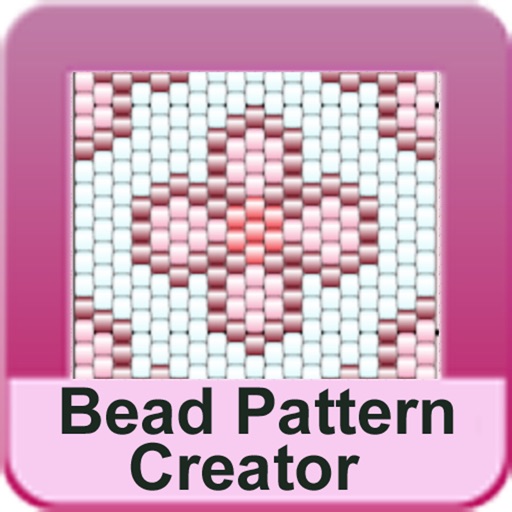
The app allows users to create pixel art for iron-on beads and bead stitching. It supports importing and scanning photos into a pixel art canvas with adjustable sizes and various bead shapes.
by HIDEHIKO NAGANO★ 4.762 ratingsGraphics & DesignFreeData updated 2026-10-10
Create art with a variety of colors and brushes. Draw with multiple fingers or a stylus. Tap to make polka dots. Shake to erase. Mix colors on the canvas. Draw with both hands simultaneously.
The app allows users to draw on a blank canvas or import photos. Users can add stickers, text, and shapes, choosing from various brush colors and sizes to create unique artwork.
Draw on a white canvas with a single black brush. Each stroke fades as more is added. No erasing needed. Create continuous, ephemeral art without concern for skill level.
Create and edit vector drawings and illustrations. Import and export files from cloud services. Design logos, posters, and technical drawings. Use multiple windows on iPadOS. Enable dark mode for system settings.
The app provides an experience in collaborative painting. Users can connect with artists through painting on an infinite canvas using an iPad or iPhone.
Create NFT art using a art creator. Design and save custom NFTs. Export to photo library for upload to marketplaces like Opensea and Rarible. Use RGB color sliders and pre-made color palettes.