The app provides 88 keys for playing music on the iPhone and iPad. It features 91 instruments, including organs, pianos, guitars, and synths, with options for duet mode and key labels.
by Dmytro Denys★ 3.434 ratingsMusicFreeData updated 2026-10-10
Route audio or MIDI between compatible using virtual cables. Apply effects to synthesizers or sequencers. Control multiple with a single interface for live performances and production.
Remove vocals, instrumental tracks, and 8 musical instruments from audio files. Extract background from recordings. Preserve original bitrate and format when isolating elements.
Create and play chord progressions in various musical styles. Add chords, select instrument tracks, and hit play. Experiment with arrangements and mixes using piano, guitar, synth, bass, and drum tracks.
Create and edit MIDI sequences with step sequencing. Control tempo, patterns, and effects. Transpose, manipulate, and mutate patterns. Trigger performance options via MIDI keyboard. Export and share MIDI files.
Use stickers featuring music instruments and animals from 10 countries. Add and instrument designs to messages. Choose from guitar, saxophone, and trumpet stickers. Include bull, owl, and piper characters. Share stickers in chats and messages.
Create and produce dance music with a powerful wavetable sound source. Use intuitive controls to shape sounds, layer effects, and sequence beats. Export tracks in multiple formats and share directly.
Tune electric, acoustic, , violin, cello, ukulele, and piano strings with a chromatic . Displays tuning fork tones. Provides string selection tips for beginners. Adjusts for distance up to 1.7 meters.
Practice jazz standards with live studio recordings featuring intros and endings. Play along by muting your instrument. Includes backing tracks for piano, guitar, saxophone, trumpet, bass, drums, and vocals.
Create and produce music with beat-making, track composition, and sampling tools. Record and sequence audio and MIDI. Use high-quality UVI instruments and effects. Export mixes, stems, or project files. Share tracks on YouTube or SoundCloud.
Teach music theory with note identification, fingerings, and rhythms. Track student progress and assign exercises. Include alternate fingerings in red. Motivate learners with quizzes and progress reports.
Practice ear tests for RCM Grades with audio exercises and mock exams. Identify notes, intervals, and rhythms. Track progress and review answers. Supports 12 instruments and includes over 1,600 questions.
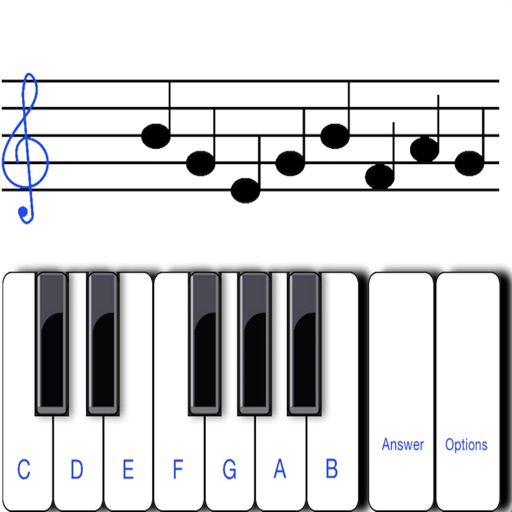
To notes in G and F clefs. Practice notes above and below the staff across six octaves. Randomly generated notes apply to any instrument. Switch clefs for varied practice. Receive feedback on missed notes. Set pace and limit octaves for beginners.
Learn numbers, letters, colors, and shapes through interactive games. Play animal sounds and musical instruments like , guitar, and drums. Correct pronunciation is emphasized. Parents can use the to engage toddlers in educational play.
Create and edit patterns with polyrhythmic tracks. Add bass and lead synths. Use audio unit support and new FX modules. Import and export projects. Playback and record loops. Retain compatibility with DM1 song files.