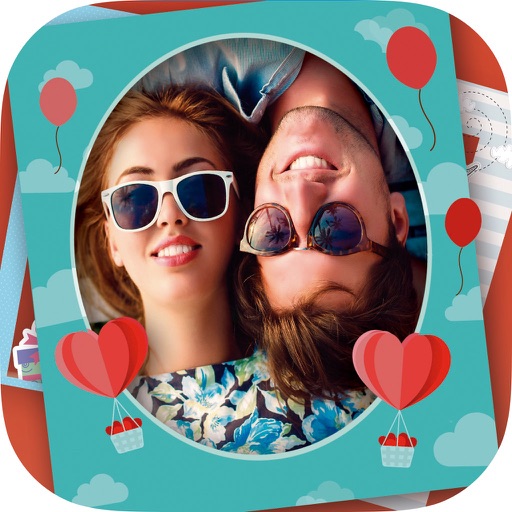
The app allows users to create personalized postcards using photos, captions, and frames. It automatically uses the user's location and analyzes photos to customize the layout, offering filters, font choices, and color settings for an authentic look.
by James Hudson★ 3.54 ratingsPhoto & VideoFreeData updated 2026-10-10
Post full-size photos to Instagram without cropping. Adjust orientation, scale, and flip images. Apply filters, add borders, frames, stickers, and text. Customize backgrounds with blur, shapes, and shadows.
Convert videos to GIFs by selecting a time range and previewing the segment. Adjust start and end points. Save GIFs directly from videos without needing additional editing tools.
Record with a built-in teleprompter for smooth delivery. Edit footage using AI to clean up audio and trim clips. Generate captions and polish videos automatically. Export final clips for sharing.
Edit pictures with customizable frames and borders. Adjust photos using intuitive tools. Preview edits before saving or sharing. Supports Instagram, Facebook, WhatsApp, and TikTok.
Create carousels and photo collages using AI tools and templates. Arrange images with drag-and-drop editing. Auto-align photos for seamless layouts. Apply aesthetic presets and customize designs. Export and share finished collages directly.
The app provides 101 professional filters for real-time camera use, altering photograph appearance. It automates workflows and adds creativity to photo libraries, allowing users to apply styles to images without altering originals.