Create animated slideshow videos with music and effects. Add text, stickers, and enhance photos. Import photos and video clips, edit with effects and music, and share the final video.
Create photos and videos without cropping for social media. Adjust background with blur, patterns, gradients, and colors. Apply filters, effects, and add image stickers. Support various social media aspect ratios.
Extract full-resolution frames from videos. Save 4K HDR stills at native resolution. Preserve EXIF, GPS, and timestamp data. Step through clips frame-by-frame. Export multiple key frames without quality loss. Process files locally on the device.
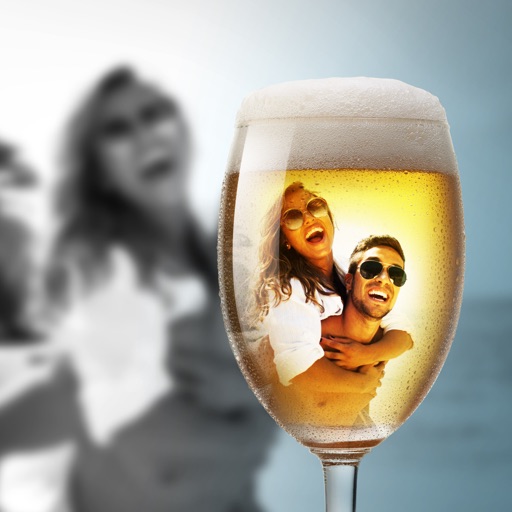
Capture photos and videos with customizable PIP frames. Apply foreground filters and background effects like blur, zoom, and comics. Add motion effects such as fire and snow. Create PIP videos or GIFs and share directly.
Video allow editing with watermarks and doodles, exporting and deleting background music, and converting videos to livephotos. Image generate word cloud, polygon, and block-style wallpapers from keywords or images.
Edit videos by trimming, merging , and cropping for different screen sizes. Adjust brightness, contrast, saturation, exposure, temperature, tint, highlights, shadows, sharpness, and vignette.
The app adds glowing rainbow effects to photos and short videos. Users can create thousands of unique clips with 50 unique filters and layering options, exporting in multiple aspect ratios.
Allows users to download and stream videos from iCloud, Dropbox, Google Drive, and OneDrive. It supports network streaming and Wi-Fi transfer for adding videos. Users can trim, compress, and reverse videos.
Add and captions to and videos with customizable fonts and styles. Include balloons for dialogue effects and adjust size, color, and alignment. Trim video clips and select areas. Support 9:16 full-screen format.
Edit videos with timeline scrolling and zooming. Cut and trim clips for precise editing. Manage multiple layers to create complex compositions. Add transitions between clips. Export final edits in various formats.
Apply VHS, Stardust, Retro, and Golden Hour filters to photos and videos. Edit RAW photos with tools like Contrast, Saturation, Grain, and Fade. Crop and Skew images for perspective adjustments. Save and reuse favorite edits with presets.
Convert 2D photos and videos to 3D using AI. Adjust depth with a slider. Trim videos before conversion. Convert content to VR side-by-side. Batch process folders and albums. Save converted files to Photos or Files.
Shrink file size while preserving quality. Merge small clips or split long videos. Export compressed videos for sharing, publishing, or emailing. Save storage space on iOS devices.