The app helps children aged 3 and up learn numbers through coloring. Users can color drawings by brushing their finger on the screen, making it an easy and fun experience.
by Paolo Godino★ 1.01 ratingsEducation$0.99Data updated 2026-10-09
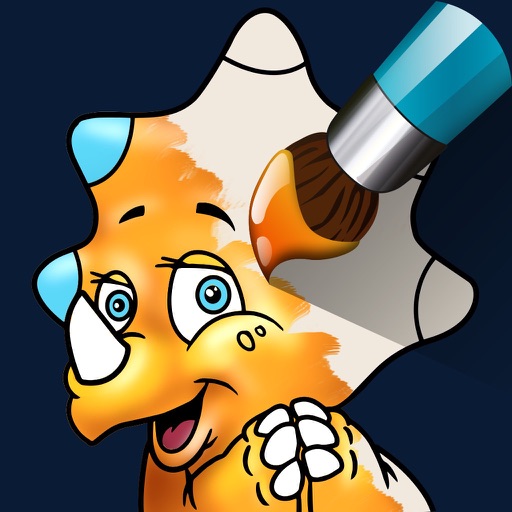
The app offers 16 detailed dinosaur coloring pages and two blank pages for drawing. Users can color by touching parts or draw freehand, with a magic wand tool and unlimited undos available.
Solve interactive puzzles with sound effects and animated backgrounds. Color drawings of animals. Explore interactive objects in the environment. Complete puzzles in the full version or try a selection in the free version.
Offers , drawing, manicure, dress-up, home cleanup, and puzzle games. Allows users to create art, style characters, and solve puzzles. Includes educational elements encouraging organization and responsibility.
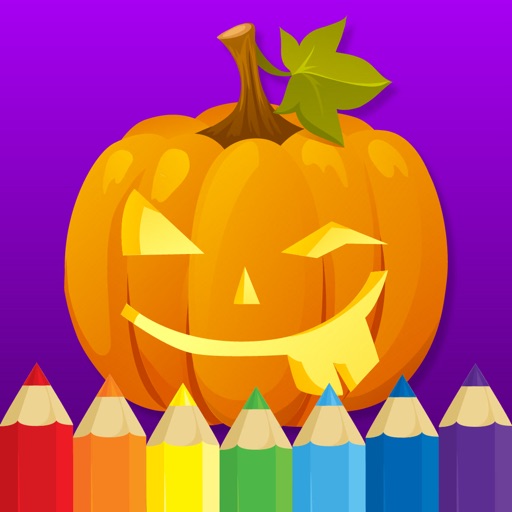
The app presents Halloween-themed coloring pages that teach children arithmetic, letters, and shapes. It features a simple interface, a customizable color palette, and visual and sound effects.
Children can draw and color using 8 different brushes including crayon, pencil, paintbrush, paintball, chalk, sponge, stickers, and stars. They can choose from over 100 pages. The includes fun effects, sounds, and stickers to enhance creativity.
The app offers four games: Matching Game, Stickers, Colors, and Music for Kids. It features high-resolution images and audio effects, designed for children aged 3 and up.
Allows children to draw freely with various brushes. They can save and revisit previous drawings. The supports drawing on iPhone, iPad, and iPod Touch.
Teaches recognition and object matching through interactive mini-games. Allows children to trace and match objects. Includes activities for building and identifying basic . Features a variety of educational exercises for preschoolers.
PLAY AND LEARN EDUCATIONAL GAMES FOR KIDS PLEI END LERN EDYUKESHINAL GEIMS FO KIDS, TOO
Draw, color, and create cartoons
Create drawings using various colors and tools. Select from pencils and brushes to color favorite characters. Add interactive elements to animate drawings and tell stories. Explore themed scenes like rocket launches and space adventures.
This educational app offers various fun game modes for children aged 5 to 10. It includes a multiplayer mode, a bubble game, and a watermelon game with additions to help kids learn math.
Allows users to select from various illustrations featuring unicorns, ponies, fairies, and princesses. Users can choose colors to fill in drawings and save completed artwork. Features include color selection, drawing tools, and saving progress.
Create digital art with drawing, coloring, and animation tools. Use versatile templates for Anime, Animals, Flowers, Landscapes, Mandalas, and more. Access dual drawing modes for layered artwork.
Teaches early math and reading skills through interactive . Helps toddlers recognize numbers, letters, and shapes. Tracks progress and provides instant feedback. Includes animated characters and fun rewards to keep children engaged.
PLAY AND LEARN EDUCATIONAL GAMES FOR KIDS PLEI END LERN EDYUKESHINAL GEIMS FO KIDS, TOO
Draw, paint, and create with fun animals
Draw with brushes, markers, or crayons on various pages. Trace shadows to identify animals. Tap blocks to create pixel art. Collect stickers. Paint with vibrant colors and patterns. Choose from multiple pages.
Pages feature -themed images for children to color. Users can select and apply colors to drawings. Options include drawing freehand or using pre-set tools. Save and share completed artwork.
Educational for children aged 3 and up offers four : matching, puzzles, colors, and music. Includes high-resolution images, printable drawings, and immersive audio effects. Allows users to color in 24 engaging designs.
Create and color custom illustrations using a variety of tools. Choose from different pages and themes. Save and share completed artwork. Learn about colors, shapes, and fine motor skills through interactive activities.
Learn through interactive with sound effects and animated backgrounds. Color drawings using MAGIC BORDER technology. Create paper toys with in-game characters. Paint and explore interactive elements within each puzzle.