The app allows users to enhance color and clarity in photos with balanced presets. It offers a live split preview, curated presets for different styles, and the ability to blend effects for a desired finish.
by 福恩 毛★ 0.00 ratingsPhoto & VideoFreeData updated 2026-10-09
Edit photos with cropping, resizing, rotation, color adjustment, framing, annotation, and special effect filters. Convert images between formats like PNG, JPEG, GIF, BMP, TIFF, HEIC, and PDF. Stitch photos using templates.
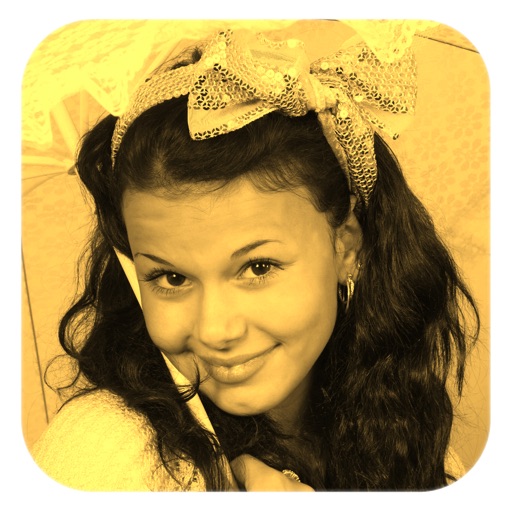
The app offers 44 original film emulation effects and numerous natural light leaks and film textures. Users can adjust brightness, contrast, saturation, hue, temperature, mirror, rotate, and crop photos with three presets.
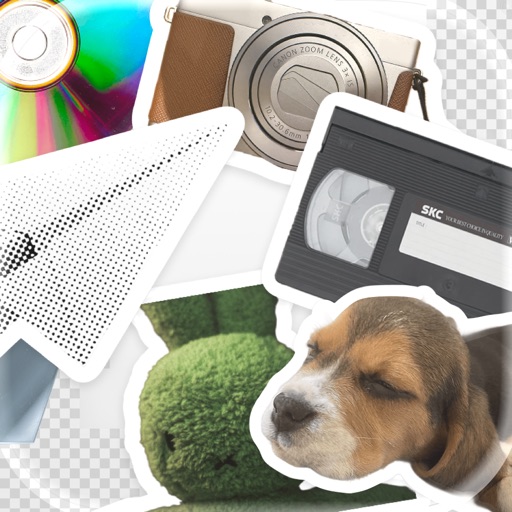
Create custom and home using photos, gradients, and stickers. Edit photos with subject separation, adjust gradients with presets, and add text or stickers. Export and set as wallpaper directly.
Create generative that respond to movement, touch, and music input. Interact with real-time that evolve based on user behavior. No presets or settings, adapt uniquely to individual interactions.
Import photos or videos and add custom text, logos, and stickers. Choose from 50+ fonts and 200,000,000+ stickers. Drag and resize elements with fingers. Add multiple signatures. Apply watermarks to protect content on social media.
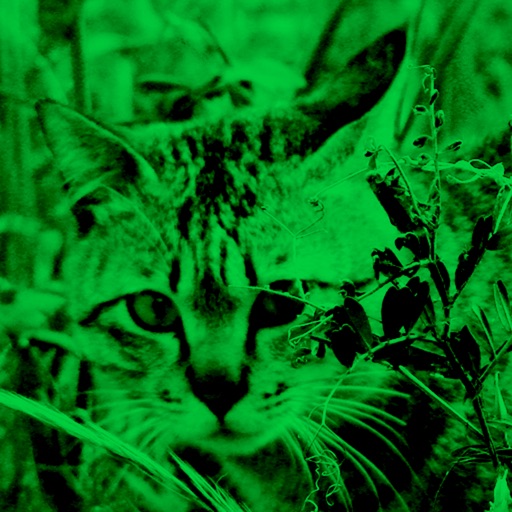
Enhance low-light photos with increased light intake and 8x zoom. Apply thermal imaging, green mode, and binoculars effects. Adjust brightness and contrast for clearer images in dark conditions. Share edited photos directly.
The app offers 101 professional presets for portrait retouching, automating workflow and adding creativity. It intelligently smooths imperfections while preserving skin texture and details.
Upload photos and describe desired outfits to instantly change clothing using AI. Try on new styles with reference images. Generate outfits in various categories like Streetwear and Y2K.
Convert photos to grayscale and selectively specific areas using finger touch or custom colors. Draw with zoom and rotation for precision. Use a magnifier for detailed work. Undo mistakes or redraw in grayscale. Export edited images.
Create a customizable avatar with options for skin tone, hair color, and eye style. Decorate the with various fashion items. Design a personal room with decorative elements. Save and share created avatars and room designs.
Create collages by selecting multiple photos and arranging them in various layouts. Apply mosaic effects to individual photos for artistic results. Edit images with basic tools and save or share the final output.
Edit with film filters, light leaks, and grain effects. Apply motion blur and blur. Adjust colors using a magic color tool. Export edited images in various formats.