Apps Like Path on - Swipe to Type for iPhone and iPad
Decorate pictures with text along lines.
The app allows users to decorate pictures with text typed along a drawn line. Users can select from nearly 300 fonts, adjust text properties, and apply filters or change backdrops.
by Peta Vision★ 3.9253 ratingsPhoto & Video$1.99Data updated 2026-10-09
Customize iPhone home screens and lock screens with themes, wallpapers, and widgets. Choose from warm, cartoon, neon, and trendy styles. Add interactive widgets for quick access to data. Apply designs with simple tap gestures.
Annotate photos with text, drawings, and stickers. Add watermarks and autographs. Create and share Photocards. Incorporate internet memes. Edit and share annotated images directly.
Photos with clipping tools to remove backgrounds, apply predefined effects like glitch and duotone, and enhance images with magazine-level touch-ups. Add text, stickers, and unlimited undo/redo features.
Create videos with filters, effects, and stickers. Add music and cinematic transitions. Edit photos into slideshows with customizable templates. Export and share finished videos directly.
Design posts with swipeable carousels and collages
Create swipeable posts and panoramic collages for Instagram. Use professionally designed templates or build custom layouts. Add text, images, and effects. Export and share directly to social media.
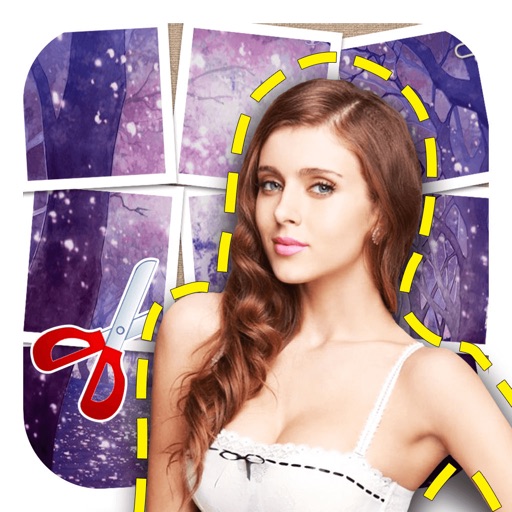
The app offers intelligent cutout software for easily removing persons and objects. Users can create identification photos, parody pictures, and save PNG images with various material options and background styles.
Add watermarks to videos, illustrations, photos, and images. Place single or like wallpaper with adjustable size, density, and transparency. Apply cutout effects for seamless blending. Choose from over 500 fonts.
Create comics from photos with balloons, captions,
Create comics from photos with word balloons, captions, stickers, and filters. Add text overlays and adjust colors. Save and share finished comics directly.
Convert text to audio and using AI-generated voices and visuals. Edit generated content, adjust settings, and export files for sharing. Supports text-to-speech and text-to- creation.
Create artistic images by masking subjects and separating them from backgrounds. Apply filters to subjects or backgrounds for dramatic effects. Adjust styles and textures to enhance visual impact. Share edited photos directly from the .
The app allows users to create videos from photos with effects, frames, and text. Users can add music and share videos on social media or save them to their device.
Add to photos using over 63 customizable fonts. Customize , size, and color. Apply filters, stickers, and artwork to enhance designs. Save and share edited images directly.
Create eBook and Wattpad covers using templates and free images. Add text, adjust colors, and customize layouts. Export covers in various formats and share directly.
Edit photos with , cropping, and brightness adjustments. Add text, stickers, and borders. Export in various formats and share directly. Apply exclusive and enhance images with advanced tools.
Read ebooks in txt and epub formats with instant loading and tap-to-read functionality. Customize line spacing, font size, and theme. Use gestures for one-handed navigation. Access dozens of fonts or upload custom fonts via Wi-Fi.
Create collages, cards, and albums using photos. Select from hundreds of templates and customizable grids. Add backgrounds, frames, and text. Edit images with cropping, filters, and adjustments. Share finished projects directly.