Apps Like Path on - Swipe to Type for iPhone and iPad
Decorate pictures with text along lines.
The app allows users to decorate pictures with text typed along a drawn line. Users can select from nearly 300 fonts, adjust text properties, and apply filters or change backdrops.
by Peta Vision★ 3.9253 ratingsPhoto & Video$1.99Data updated 2026-10-09
Create with customizable templates and frames. Add stickers, emojis, and crop images in various ratios. Include handwritten text and photos to personalize messages for loved ones. Share directly through supported platforms.
Create promotional posters and cover photos with customizable backgrounds, textures, and effects. Add text using design fonts and include stickers. Save and share the final design directly.
Create promotional posters and advertisements with customizable backgrounds, textures, and effects. Add text, fonts, stickers, and adjust layouts. Export and share finished designs without watermarks.
Edit photos with advanced filters, color adjustments, and mathematical transforms. Apply custom brushes and import Photoshop brushes, curves, and fonts. Repaint images and export in various formats. Share edited work on Instagram.
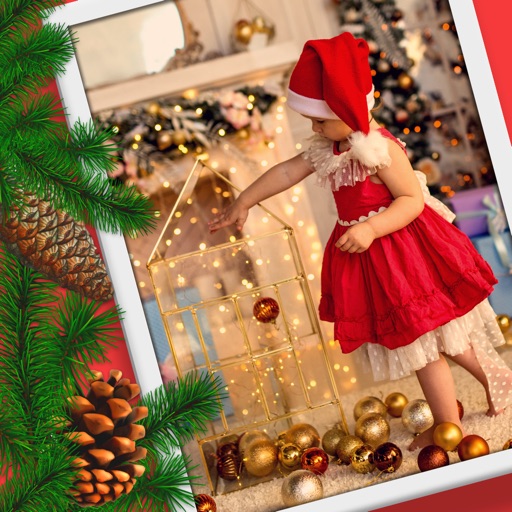
Create custom and New Year greeting cards with text, stickers, and . Add personal messages and share edited photos. Design personalized postcards using user photos and available templates.
The app allows users to edit photos, create word art, and design posts with original fonts. Users can access additional features by opening projects in Rhonna Designs Magic and Rhonna Collage.
The app displays all installed fonts and their variants on the device. Users can input custom text to preview its appearance across different applications and web browsers.
Edit by adding customizable with unique fonts. Adjust photo size and crop images. Modify color, add borders, and adjust brightness. Share edited directly from the .
The app offers multi-account support and voice-to-text capabilities for VK messages. Users can customize the interface, manage chats, and secure access with biometric authentication.
Edit photos with filters, adjustments, and effects. and focus areas with finger movements. Crop, rotate, and add text or stickers. Adjust tone curves and apply splash effects. Save and share edited photos to social media.
Edit photos with brightness, contrast, and color adjustment tools. Apply over 1000 effects and filters. Add text, stickers, and animations. Share photos directly to social media or email. Export in various formats.
The app allows users to create photo slideshows in 3D or cartoon styles. Users can select photos from their gallery, camera, or social networks and add titles with various fonts before rendering the video.
Digital with customizable backgrounds. Add text with adjustable fonts, colors, and borders. Draw on photos or include images that can be moved, rotated, and scaled. Save and share finished designs through social media apps.
Customize booths with layouts, text, backgrounds, stickers, and effects. Start with countdowns and instant previews. Share photos directly or download them later.