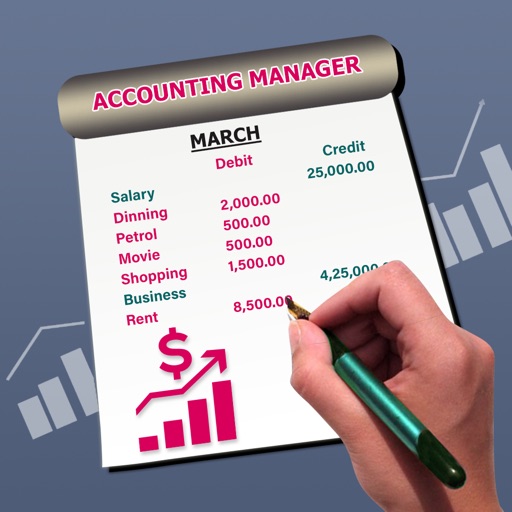
The app manages accounting staff and displays daily, monthly, and previous month balances. Users can search by movement or date to compare past and current spending.
by Gianfranco Percopo★ 0.00 ratingsFinance$2.99Data updated 2026-10-09
Track finances with a digital bank register for multiple accounts. Record purchases and categorize expenses. Round up debit card transactions to transfer to a savings account. Set up budget categories and monitor spending patterns.
Manage personal finances with multiple accounts and currencies. Sync data across devices and share accounting with others. Track reminders and schedule repeated actions.
View account balances and transaction history. Transfer funds between accounts. Deposit checks via photo. Pay bills and send money to contacts. Locate nearby branches and ATMs. Contact customer support through the .
Create accounts and add transactions. Track spending by category. Set notifications for due transactions. Sync budgets across devices and with other users. Input future payments and expenses using a calendar.
Track expenses and income with real-time updates. Add transactions quickly. View monthly spending and income breakdowns. Monitor balance and set financial goals. Sync data across devices for consistent access. Receive alerts for unusual activity.
The app allows First Southeast Bank customers to initiate routine transactions and conduct research from their iPhone. Users can check account balances, transfer funds, make loan payments, pay bills, and deposit checks.
Check account balances and search transactions by date, amount, or check number. Transfer funds between accounts. Make and view payments, including scheduled ones. Add, edit, or delete payees directly.
Log daily expenses and categorize them automatically. Track monthly spending patterns and receive budget insights. Set financial goals and monitor progress over time. Export data and sync across devices.
Access company accounts from anywhere. View account balances and transaction history. Perform banking tasks. Connect to multiple banks. Sync with Lexware Office for accounting. Manage finances and operations remotely.
Manage personal finances with password-protected transaction tracking. View reports, statistics, and graphs. Export data to Excel or PDF. Backup and sync with Dropbox. Filter transactions, create custom categories, and import receipts from aBill.
Track expenses and incomes with manual entry. View insights and analyze spending patterns. Add categories for expenses like utilities, groceries, and subscriptions. Edit or delete entries. Sync data across devices.
The app simulates stock market trading for students. Users can search, buy, and sell stocks from NYSE and NASDAQ, track trends, and compare progress on leaderboards.
Review charges, track expenses, send payments, save
Review across all cards in a clear format. Receive unread alerts in a unified inbox. Tag, save, and add notes to . Venmo people directly from the . Track spending with a timeline of amount changes and location-based map view.