The app allows users to create video clips from their Mac using audio and video sources. Users can select resolution, frames per second, and audio format, with a volume bar indicating microphone sensitivity.
by Francesco Tripicchio★ 0.00 ratingsPhoto & Video$1.99Data updated 2026-10-08
Anonymize photos and videos by blurring or coloring faces and full bodies. Remove metadata such as time, date, and location. Apply anonymization settings locally without internet connection.
The app offers vocal cut for karaoke-style practice and sound reduction for instrument parts. Users can change key and speed, utilize Inter App Audio, and connect instruments via microphone input with various effectors.
Stream music wirelessly to Smart Speakers. Connect to compatible devices, select audio sources, choose connected speakers, and switch between standard, multi-room, or party modes.
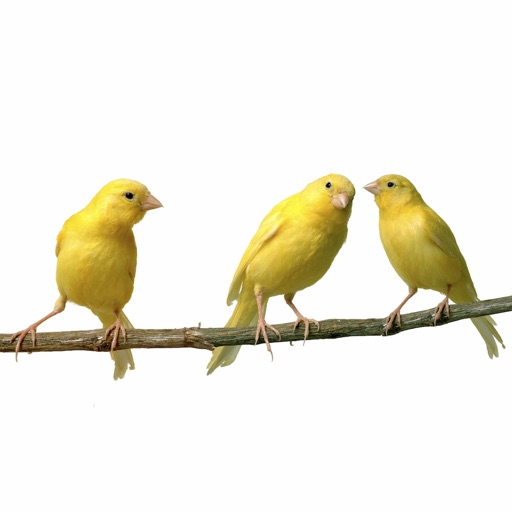
Watch video streams of birds from around the world including owls, parakeets, blue jays, eagles, hawks, and hummingbirds. View real-time footage with optional audio. Access cameras in the United States, Canada, Australia, and other locations.
The app measures surrounding sound levels using the iPhone's microphone. Sound is displayed in decibels and visually as a balloon that changes size and color with the sound level.
The app records time-lapse videos with frame rates from 1 to 100 frames per minute. Recorded videos are accessible in the camera roll without a frame limit.
View and tag videos directly from the device. Quick review of video, photos, and audio captured in the field. Support for media playback and basic editing functions. Save and organize captured content for later use.
The app allows for real-time video instruction and analysis. Users can capture video, review it in slow-motion, and mark up clips with notes and drawings.