Apps Like Spelling Games For Kids for iPhone and iPad
Childrens spelling skills grow here.
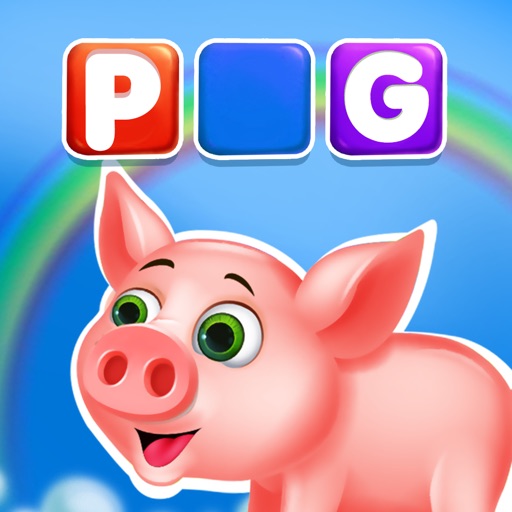
The app helps children aged 4-8 improve their spelling with interactive games. It features characters like a Chimp and Dino, and themes such as trains and balloons to teach over 900 words.
by KidloLand Kids & Toddler Games★ 3.114 ratingsEducationFreeData updated 2026-10-08
Teach and entertain young children with interactive that align with and curricula and Common Core State Standards. Features include sorting, counting, matching, and shape recognition activities.
Teaches with Common Exception Sight Words. Includes audio for pronunciation. Allows repeated viewing of words. Lets children review errors. Tracks progress with a star system. Rewards with unlockable characters.
The app offers 21 educational games covering 4th Grade subjects like math, science, and language arts. It reinforces skills in fractions, geometry, spelling, and reading comprehension for children aged 8-11.
The app offers over 80 games for children to learn ABCs, math, coding, and more. Kids build skills through play with pet friends, cooking, coloring, and puzzles in a safe, ad-free environment.
Learn letters, shapes, and spelling through puzzles
Teaches letter names, shapes, and associations through interactive puzzles. Includes uppercase and lowercase letter recognition. Helps build spelling foundations. Suitable for toddlers and preschoolers.
The app offers 30 interactive educational games for preschool and kindergarten children. It helps kids learn letters, spelling, math, and more with colorful graphics and sound effects.
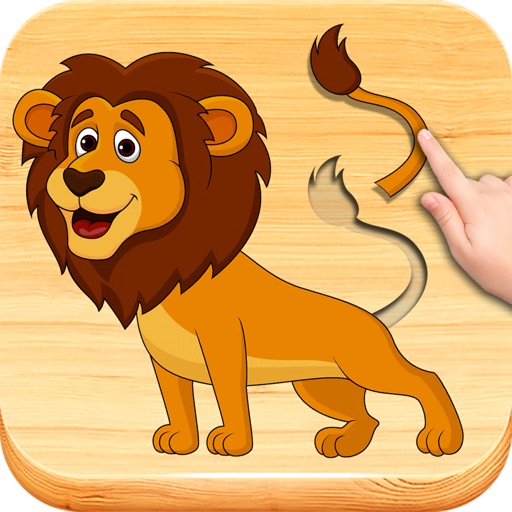
Can solve jigsaw featuring animals like a baby mammoth, dino, and unicorn. They listen to animal sounds, pop balloons, and interact with jolly music. The includes new animals and is designed for aged 1 to 4.
Teach math and reading through interactive and lessons aligned with state curriculum standards. Children can practice numbers, letters, and basic concepts. Parents and teachers can track progress and access lesson plans.
Learn through interactive games with three difficulty levels: Easy, Medium, and Hard. Drag and drop colorful buttons to arrange letters correctly. Earn dragons as rewards. Track progress and practice of varying complexity.