The app transforms photos into hand-carved or rubber stamps with options for rough effects and transparent backgrounds. It includes AI background removal and a feature to convert images to vector graphics.
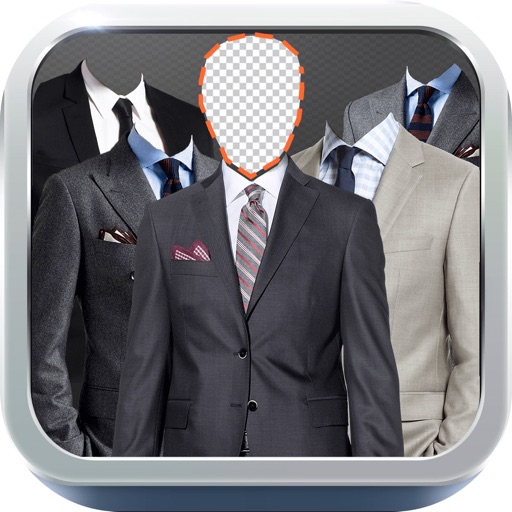
Create directly from your device. Select from common photo formats like 4.5x3.5 cm and 2x2 inch. Customize ID dimensions. Save, print, or share for documents and passports.
Upload images or screenshots to identify their locations using AI recognition. Find landmarks, streets, or hidden spots. Track searches, share results, and explore new destinations based on photo origins.
Take levitation photos using automatic alignment technology. Capture and edit images with community features. Share creations and access tutorials for advanced techniques. Sync with social media platforms directly.
Create movies and animated GIFs with frame-by-frame animation. Capture and edit videos, add sound, and adjust timing. Sync projects across devices in real time. Share finished projects on social media platforms.
Capture smiles, take multiple photos automatically
Capture photos automatically when smiling using advanced face and smile detection. Take up to 3 selfies with 1-second intervals. View, compare, and save photos. Apply effects to each image. Save to Camera Roll.
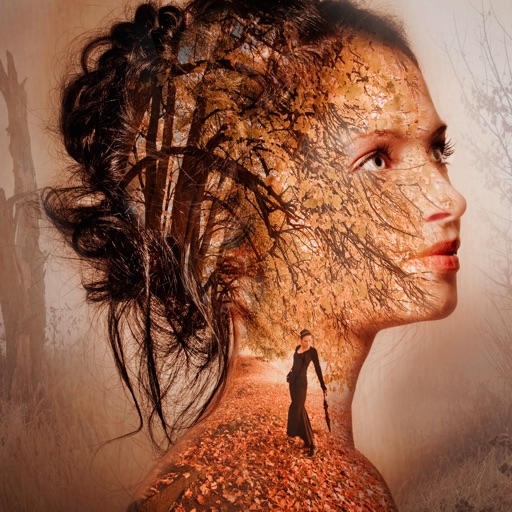
Capture photos from the device camera or select from the library. Apply over 60 design effects to images. Save edited photos to the library or share them on social networks.
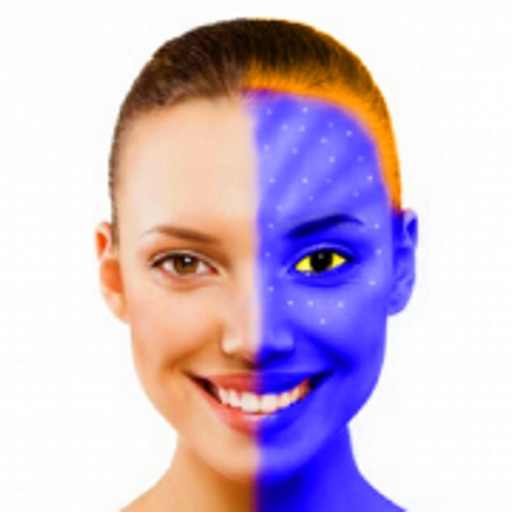
Edit photos by applying filters and adding effects. Choose from 11 types and adjust brush sizes for detailed application. Zoom and pan using two fingers, or draw with a single finger. Save and share edited photos directly.