Create style text with customizable fonts and layouts. Share generated text to LINE, Facebook, Twitter, and Camera Roll. Adjust text size and spacing for different formats.
by Kazuo Sakamoto★ 1.01 ratingsEntertainmentFreeData updated 2026-09-08
Display custom text with vibrant backgrounds on your device. Choose from themes and customize colors. Share messages at events without physical signs. Adjust text size and brightness for visibility.
The app allows users to draw storyboards for applications. Users can share their drawings via email or social media platforms like Facebook and Twitter.
Allows users to edit text, adjust playback speed, and modify text size and color. It records video during playback and automatically synchronizes line scrolling with speech speed for smoother video shooting.
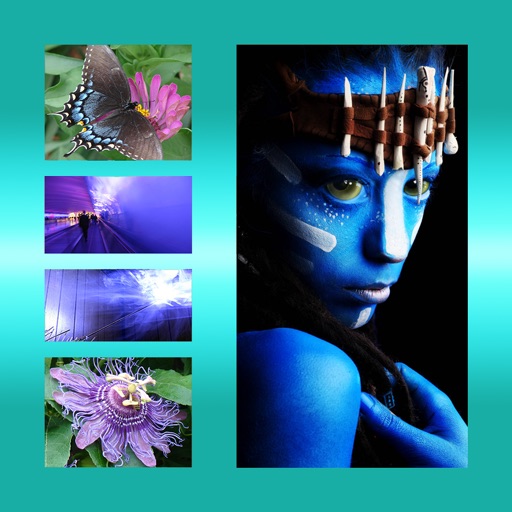
The app allows users to combine multiple photos into one framed picture. Users can adjust contrast, brightness, and saturation, add text, and apply effects.
Create visually appealing quote images using pre-designed templates. Customize text and graphics. Export for media platforms including Instagram, Facebook, TikTok, Twitter X, and LinkedIn. Share directly from the .
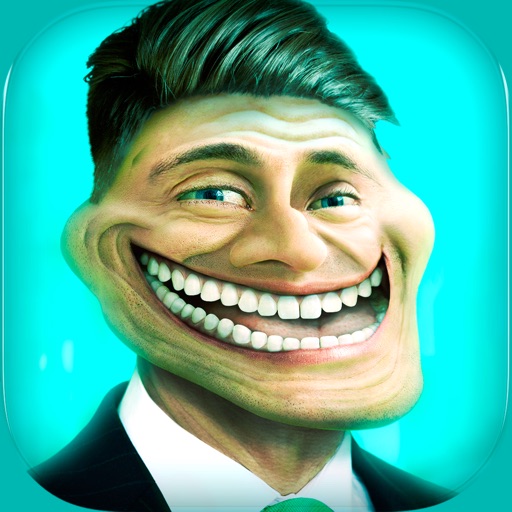
The app allows users to add trolls, animal faces, and text with various fonts and colors to photos. Users can upload or capture images, then share their creations via social media or email.
Edit photos with AI enhance, magic remove, and background change. Create collages and apply filters, templates, and stickers. Recolor old photos and generate text-to-image or image-to-image edits. Share edited photos directly to social media.
Create and share humorous photos with customizable faces, text, and comic bubbles. Add filters and effects. Edit images with built-in and text tools. Share directly to social media or messaging apps.
The app supports SMS, iMessage, Mail, WeChat, WhatsApp, QQ Message, Line, KaKaoTalk, Tango, Viber, and Facebook Message. It includes over 1590 emoticons, smileys, stickers, and over 200 emoji art options.
Create collages by adding personal photos. Choose from various frames and design layouts. Save and share finished collages. Adjust sizes and positions. Add text and decorative elements.
Edit photos with custom filters, line drawing tools, and mosaic effects. Add text and image stickers with adjustable colors and fonts. Crop images using custom ratios. Share edited photos directly.
Create custom pictures with tools to edit, crop, and adjust images. Add text, stickers, and filters. Export in various formats and share directly to social media platforms.
The app allows users to add loops to videos from their camera roll. Users can select specific video sections, adjust loop speed, and preview results instantly.
Create images from text prompts using .1 Kontext AI. Edit photos by describing changes in natural language. Perform step-by-step edits to refine images. Adjust colors, brightness, and other properties. Export edited images in various formats.
Create animated GIFs by adding text over pre-designed templates. Customize font style, color, and text placement. Share finished GIFs directly from the .
Create -swapped videos by uploading photos or using AI-generated faces. Choose from celebrity, meme, or character options. Edit with intuitive tools and save videos to the camera roll for sharing.
The app allows users to collage photos with filter processing and background wallpapers. Users can crop images by tracing with a finger and place characters with selectable fonts and colors.