Create style text with customizable fonts and layouts. Share generated text to LINE, Facebook, Twitter, and Camera Roll. Adjust text size and spacing for different formats.
by Kazuo Sakamoto★ 1.01 ratingsEntertainmentFreeData updated 2026-09-08
Design custom wallpaper for iPhone and iPad by selecting backgrounds or using personal photos. Customize font, color, and frame shape. Change lock screen designs seasonally or daily. Share designs via email, text, or Facebook.
Create GIFs from videos with editing tools. Add stickers and emojis for customization. Export in various formats for sharing on social media and messaging apps. Share directly to platforms like Facebook, Instagram, Twitter, and Messenger.
The app provides over 1000 native emojis, 3000 text and emoji art presets, and 2000 stickers and animated emojis. Users can express themselves with thousands of new, animated, 3D emoticons, emoji arts, text arts, and stylish fonts.
Create collages by mixing and arranging photos, rotating, and moving them freely. Add text, stickers, and backgrounds with customizable fonts, sizes, and colors. Draw or write on photos using a doodle tool. Export and share finished collages.
Using artistic fonts and effects. Adjust size and shadow. Apply stickers and tattoos. Choose colors and rotate . Share edited directly to social media.
Create calligraphy, customize styles, save and share
Create Arabic-style calligraphy with customizable styles and colors. Design with vector shapes and adjust curves. Align text or shapes using alignment tools. Adjust layer order to bring elements forward or send them back.
Create artwork using AI by entering descriptive text. Generate images based on prompts like "Dream," "Skyline," or "Robot." Edit and share the resulting paintings directly.
Create collages with 106 adjustable layouts and 31 irregular designs. Choose from 18 frames and 36 backgrounds. Customize borders with color and shape. Edit photos using a built-in PRO editor.
Create collages by combining multiple photos. Add romantic and text. Share collages via social media or messaging. Customize layouts and edit images within the .
Create messages with customizable text styles and background images. Record backspacing to show editing process. Accelerate videos for consistent playback speed. Share final messages or videos directly.
Allows users to download and share media from DJI devices to Instagram, Facebook, or Camera Roll. It supports 4K, H.265, and DNG file formats. Media can be selected and shared or downloaded with a single tap.
Create and edit graphics with a wide range of templates, fonts, and elements. Add text, images, and shapes. Export designs in various formats and share directly. Customize colors, layouts, and effects.
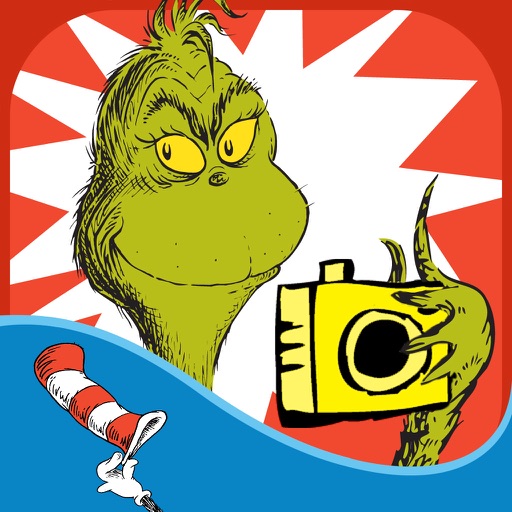
The app allows users to create Grinchmas cards using Seuss characters. Users can personalize cards with stamps, borders, and text, then share them via social media or save them.
Control TV with functions and media playback. Cast photos and videos from Camera Roll. Switch apps and channels. Use keyboard for text input and search. Premium subscription available for enhanced features.
Create and share short videos as animated GIFs or MP4. Capture frames with the or import photos, videos, or Live Photos. Apply real-time color filters, add text or frames, and choose stop motion or video mode.
Create film-style videos from photos or capture new moments with a vintage camera. Apply retro filters, use customizable aesthetic templates, and edit videos with timeline controls. Share finished videos directly to social media.
Create images from text descriptions with AI-generated art. Choose styles like Oil Painting. Edit and refine generated artwork. Share finished images directly.