Create, edit, import, and export text in RTF, Markdown, and other formats. Organize research and generate ideas with structured notes. Sync documents across devices using iCloud and Dropbox. Remove distractions to focus on writing.
Create resumes using voice typing and customizable templates. Save and manage multiple versions. Search resumes with Spotlight. Add custom sections and reorder content. Share files directly.
Scan documents to create high-resolution JPEG or PDF files. Email scans or export to Dropbox, Evernote, SugarSync, and other cloud services. Enhance scans with color or black-and-white options. Preserve original details during scanning.
Take notes with handwriting, typing, or PDF annotations. Use customizable covers and templates. Choose from 10+ pens and brushes. Adjust pen thickness and color. Draw shapes and lines. Export notes in multiple formats.
Offers real-time writing assistance with ChatGPT integration. Suggests phrases, auto-completes sentences, and generates responses. Supports social media platforms like Twitter, Instagram, WhatsApp, and Facebook Messenger.
Create and edit PDFs with tools, drawing features, and text annotations. Convert documents to PDF, add signatures, and organize pages. Access files across devices and store them in the cloud. Share and export PDFs in various formats.
Create fax pages in PDF format with customizable fields. Include a note section for messages. Save templates for repeated use. Add built-in disclaimers for confidentiality and HIPAA compliance.
Type emojis, symbols, and emotions directly without copy-pasting. Switch between 108 fonts for different styles. Use text arts and stickers with single-click access. Customize themes for personalized appearance.
Access corporate websites and intranet securely with single sign-on. Browse the internet privately. Integrate with Mail and QuickEdit. Apply security policies via Endpoint Management. Manage access and permissions remotely.
Write continuously to prevent progress from being deleted. Save drafts automatically. Set writing goals and track progress. Export text in multiple formats. Sync across devices.
The app provides scanning, editing, converting, signing, and compressing PDF files. It allows users to extract text from images, merge or split documents, and export WhatsApp chats into PDF format.
Text editor for writing with RTF and TXT format support. Edit rich text with WYSIWYG formatting and plain text with Markdown styles. Save and open files across platforms.
Use AI to generate text, answer questions, and create content. Organize tasks, set reminders, and manage schedules. Access tools for writing, coding, and brainstorming. Share ideas and collaborate with others in real time.
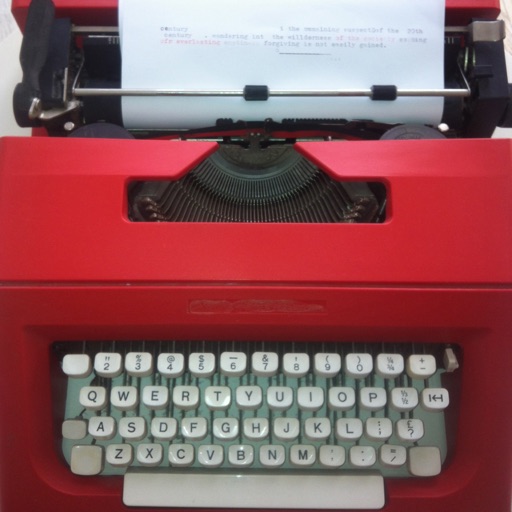
Write in a minimalist interface with customizable settings. Receive haptic feedback and realistic typing sounds. Customize carriage returns and margins. Type on any iPhone or iPad without distractions.
Draft emails, record memos, transcribe voice notes
Draft emails, create meeting notes, and transcribe voice memos. Write essays and check grammar in multiple languages. Use smart notes and voice typing for efficient task management.