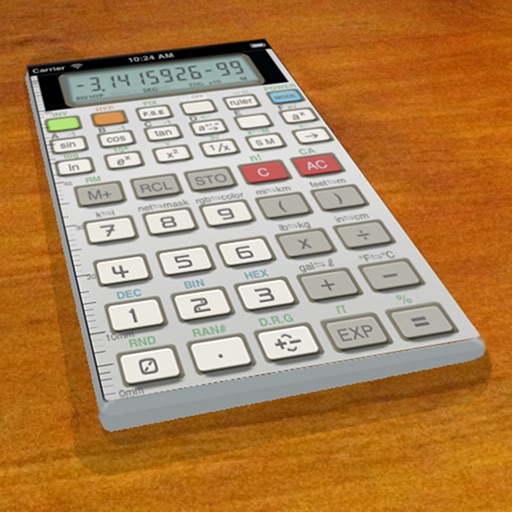
A vintage-style scientific calculator with a retro LCD display and realistic key sounds. Perform basic and advanced calculations, use shift functions, and access additional modern features like parentheses and memory storage.
by Paul SALANITRI★ 4.619 ratingsUtilitiesFreeData updated 2026-09-08
Calculate final grades by inputting current scores and weight. Determine required score for a target grade. Adjust value and view calculated results instantly. Support for Retina displays and 64-bit devices.
The app performs calculations with up to 15 digits of precision and supports a number range from -1E127 to 1E127. It includes a database of over 120 scientific constants that users can extend.
Play pranks or annoy friends with customizable loud sound effects. Choose from police , burglar alarms, ship , and truck . Save sounds as ringtone, notification, or alarm. Trigger sounds with a single button press.
Use an with customizable size, position, and color settings. Perform calculations up to 15 digits. Challenge addition, subtraction, multiplication, and division problems. Adjust bead sounds and screen orientation for horizontal use.
Learn basic Hmong phrases with audio pronunciation and visual guides. Practice speaking by repeating phrases. Test knowledge with quizzes. Share phrases with friends. Supports iPod, iPhone, and iPad. Designed for language beginners.
Write notes and sketches using fingers or a stylus. Choose from five colors: black, red, blue, green, and pink. Save color selections with a bottom button. Draw on a blank canvas with smooth, multi-touch support.
The app offers a modern calculator with a menu bar interface for quick access. It supports natural percentage calculations, calendar functions, and stores calculation history.
Perform calculations with automatic result display as you type. Execute basic operations including addition, subtraction, multiplication, and division. Calculate percentages and clear inputs easily.
Control your TV remotely from anywhere in the home. Adjust volume, switch channels, and navigate menus with on-screen buttons. Access smart TV apps and customize shortcut keys. Power on/off and change input sources instantly.
Calculate measurements in feet, inches, and meters
Calculate measurements using feet, inches, yards, meters, and regular numbers simultaneously. Input fractions by selecting a numerator and denominator. Convert between units and perform calculations for construction tasks.
Allows users to perform basic and advanced calculations. It features a retro-modern design and supports scaling for iPhone and iPad screens. It works in split view and slide over modes.
Allows users to perform scientific calculations with real-time results. It includes a unit converter for mass, volume, and currency with daily updates. Custom buttons let users save variables for quick access.
Solve problems by snapping photos. Receive step-by-step explanations and multiple solving methods. Access interactive graphs and a scientific calculator. View how-to animations for each solution.
Perform calculations with advanced operators and scientific functions. Use trigonometric, logarithmic, and round functions. Calculate tips and discounts. Edit expressions on the fly with a magic cursor. Share results directly.
The app records user voice to calculator buttons or uses system voice. It features a big button, max display for one-hand use, and history records of calculations.
Control streaming device with accessory. Use finder to locate misplaced . Enable private listening with wired headphones. Activate LED for button illumination.