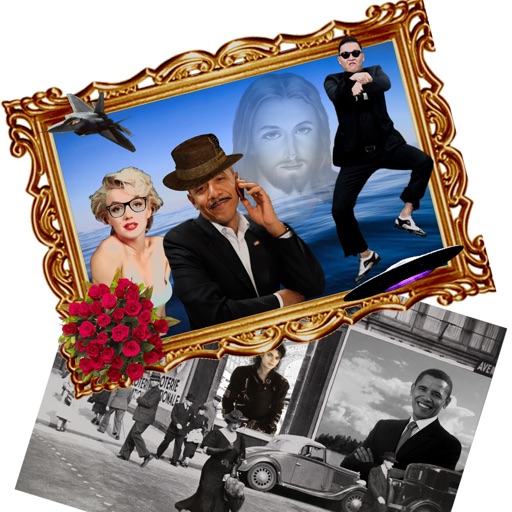
The app allows users to create new compositions from photos, drawings, and text. Users can add frames, text, and drawings to photos, modify them with filters, and combine elements to create new images.
by Nguyen Pham★ 2.24 ratingsPhoto & VideoFreeData updated 2026-10-08
Create and style photos with single tap effects. Apply 8 filters including , Cartoon, and Dots. Share images to social media or save to photo library. Print photos directly.
The app allows users to create photo and video collages with customizable layouts and enhancements. Users can add text captions, filters, and borders, and import media from various sources.
The app provides a photo editor with tools for adding textures, stickers, and frames. Users can enhance photos with filters, adjust brightness and contrast, and add text or captions.
Edit by adding , quotes, artwork, handwritings, or drawings. Customize watermarks and reuse them. Enhance images with overlays and creative designs. Adjust and annotate for personal or artistic expression.
The app offers over 290 filters in 17 themes, including analog film effects and disposable camera looks. It provides basic and professional editing tools, design features, and a pro camera with real-time filters and blur effects.
Decorate photos with over 400 styled stickers. Place stickers using simple and intuitive controls. Add text, filters, overlays, and frames to enhance images. Supports iPhone, iPod Touch, and iPad.
Create social media posts, flyers, collages, logos, and wallpapers with drag-and-drop tools. Use pre-designed templates for Instagram, Facebook, and phone wallpapers. Add text, images, and graphics.
Create personalized greetings with frames, cake designs, stickers, and fonts. Add photos to cakes or customize names. Edit and share messages with text and decorative elements.
Post photos and videos without cropping for Instagram. Add blur backgrounds automatically. Resize, rotate, and zoom content within the square. Apply effects, filters, stickers, and text. Select no layouts. Support 1080P video. Save in high quality.
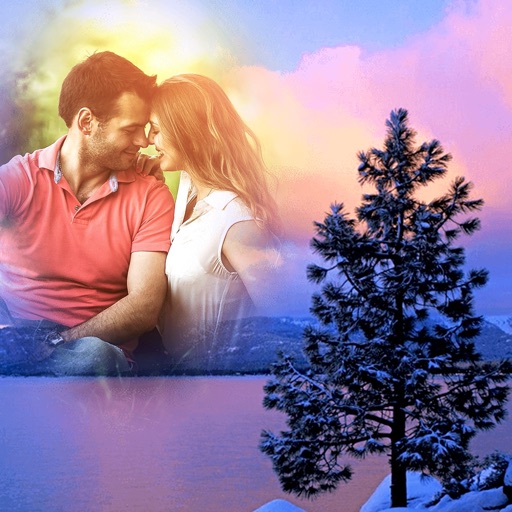
Edit photos with seasonal frames and nature effects. Select images from the gallery or take new photos. Apply filters and effects to enhance visuals. Save and share edited photos directly.
Combine multiple photos into customizable frames or collages with 55 adjustable templates. Add rounded corners, effects, shadows, and patterns. Choose colors using an easy color picker. Save projects and share via Facebook, Email, or Twitter.
Edit photos with filters, effects, and text tools. Add stickers, shapes, and draw over images. Adjust colors, lighting, and focus. Crop, resize, and enhance details. Apply tone curves and retouch features. Export and share edited photos.
Convert videos into Photos or GIFs with trimming, backward playback, reverse, and speed control. Share Photos via iMessage, Facebook Messenger, Twitter, Instagram, and WhatsApp. Adjust timing and effects for custom animations.