Apps Like BoneBox™ - Skull Viewer for iPhone and iPad
Interactive 3D skull anatomy exploration tool.
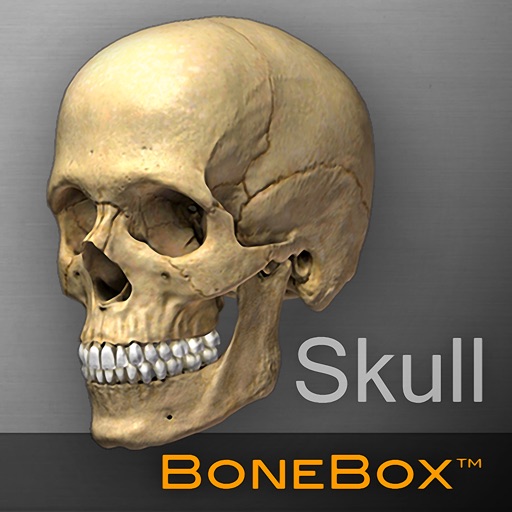
The app provides a real-time 3D medical education tool with detailed anatomical skull models. Users can explore anatomical structures by orienting and zooming the 3D skull in any position.
by iSO-FORM, LLC★ 0.00 ratingsMedicalFreeData updated 2026-10-07
Explore detailed 3D anatomical models with interactive elements. Rotate, zoom, and dissect virtual skulls. View layered structures and labels. Access educational content about anatomy and physiology. Share models via email or social media.
Explore a detailed 3D model with real-time rotation and zoom. View anatomical structures layer by layer. Access CT imaging data and accurate 3D models. Share models for educational purposes. Navigate through spinal regions with interactive features.
Explore radiographic with detailed projections and accurate imaging. Navigate through anatomical structures, compare views, and access cross-sectional references. Sync with devices across Mac, iPhone, and iPad using a single subscription.
Explore 3D and Augmented Reality models of the skull and intracranial structures. Access over 2500 anatomical labels with descriptions. Use three visualization tools to dissect, isolate, and explode structures along three axes.
® allows artists to view and rotate 3D models of hands, feet, and heads. Users can adjust angles and positions for drawing references. In- purchases add more limbs and customization options.
Explore the body with 3D models of the skeleton, organs, and muscles. Use voice search to identify body parts. Access detailed information about the skull and bones. Take quizzes on skeletal, organ, and muscular systems.
Explore 3D human anatomy models with interactive touch controls. Rotate and zoom for detailed views. Perform virtual dissections to reveal muscle layers and anatomical structures. Take 3D location quizzes to test knowledge.
Explore detailed 3D models of human . Label and identify over 8,200 structures. Rotate, zoom, and dissect virtual organs. Access interactive quizzes and study modes. View cross-sectional views and anatomical layers. Save and share annotated diagrams.
Learn anatomical structures through and quizzes. Study with beginner-friendly content. Track progress and set learning goals. Review key terms and definitions. Test knowledge with interactive challenges.
Facial anatomy and proportions with interactive 3D models. Rotate and zoom to examine skull structure and planar forms. Compare simplified shapes to understand underlying anatomy for portrait drawing and painting.
Interactive 3D anatomy models allow users to rotate and view muscle groups and bones. Track workout progress with exercise logs and performance metrics. Access detailed exercise guides with form feedback and biomechanical explanations.
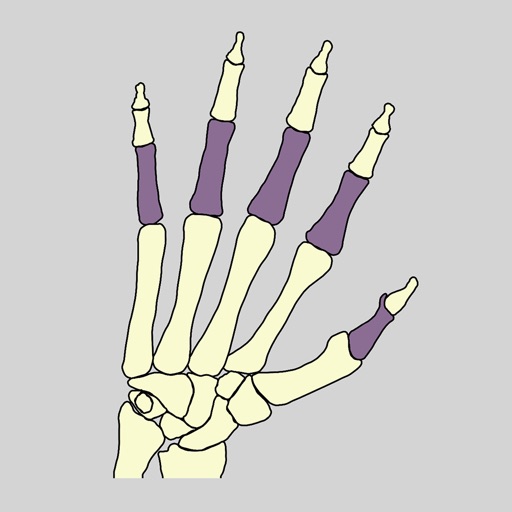
Learn human anatomy by identifying through interactive quizzes. Tap to learn mode displays bone names and requires tapping the correct bone. Spin to learn mode shows highlighted for identification.
Access detailed human anatomy images for study and reference. Explore over 26,000 medical images with interactive 3D views. Search for specific anatomical structures. Annotate and bookmark images for later review.
Explore 3D models of the skeletal system and other anatomical structures. Rotate, zoom, and view detailed textures up to 4K resolution. Access free content with in- purchases unlocking additional materials.