The app displays and plays song tablature and notes. It is compatible with gp3, gp4, gp5, and gpx files, offering playback with general MIDI sound for practice.
by Oliver Buecker★ 5.01 ratingsMusicFreeData updated 2026-10-07
Practice chord progressions by setting for each bar and playing them on the keyboard. View chord tones and sounds in real time. Play full songs with multiple bars. Track chord patterns for pop and jazz music.
Edit songs by changing key, speed, or rearranging sections like verses and bridges. Add lyrics manually. Create custom playlists and save song arrangements for performances.
Control volume, play and pause songs, adjust tempo, mute or unmute the keyboard, and select preset settings. Sync with the Yamaha Music In Education™ General Music Keyboard Lab for real-time adjustments.
Learn with tab notation and note system. Toggle melody and beat controls. Adjust playback speed. Record and playback sessions. Play songs without melody using tab and recording features.
The app provides tools for writing songs, allowing users to experiment with structure, chord progressions, melodies, arrangements, and lyrics. Users can export PDF scores, MIDI, and audio, and create custom sound and composition templates.
The app plays music files like mp3, mp4, m4a, and wav. It offers background playback, playlist creation, lyrics display, and adjustable playback speed.
Organise your with custom playlists and edit song details. Play songs with high-quality audio playback. Sync device storage for unlimited access. Share playlists and manage your library across devices.
Learn or with real-time feedback during song playback. Practice chords and receive instant results. Access a library of 160+ songs for structured progression. Track practice sessions and monitor skill improvement over time.
Displays current playback information and allows control of song playback. Supports Spotify integration. Features retro design and stylus animation for visual interaction. Syncs with apps for real-time updates.
Explore and with interactive virtual and staff notation. Play and ascending, descending, and harmonically. Adjust root notes and inversions. Compose songs by arranging and progressions.
Play a guessing game by identifying movie names from song clips. Choose from four options per question. Complete levels to unlock new content. Features include 7 levels with diverse , intuitive interface, and high-quality visuals.
Create drum sounds and synthesize vocals using a 24-part sound engine. Use a pattern sequencer to arrange beats. Apply effects including a Phrase Vocoder that converts text to vocal-like sounds. Adjust vocal characteristics such as gender.
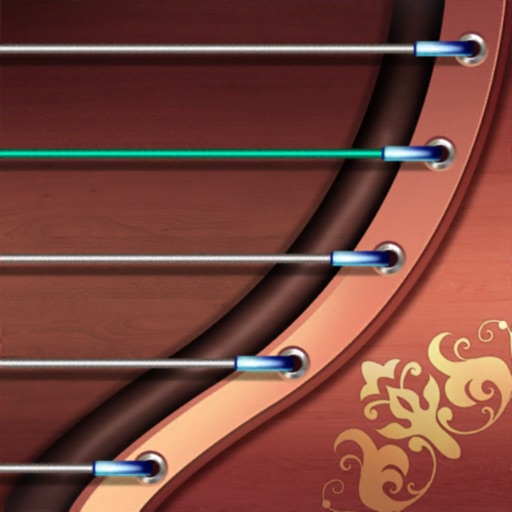
Play the with a virtual 21-string instrument. Use right-hand techniques like pluck, gliss, tremolo, and automatic tremolo. Employ left-hand techniques for tuning and expression. Practice riffs, tabs, and chords on the go.