Apps Like Colorful-photo splash editing for iPhone and iPad
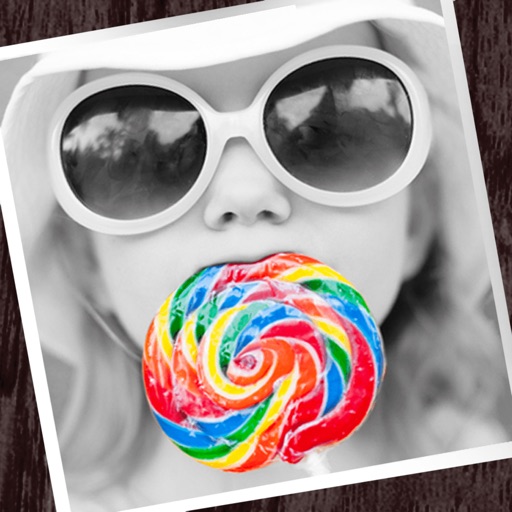
Edit photos with partial monochrome filters.
The app allows users to apply monochrome filters and effects to specific parts of an image by rubbing with a finger. Users can also reduce or enlarge images using a pinch gesture.
by Fineseed inc★ 4.08 ratingsPhoto & VideoFreeData updated 2026-10-07
Apply real-time or post-processing effects like VHS, , CRT, and chromatic distortion to photos and videos. Adjust flickering overlays and vintage shaders. Export edited content in various formats and share directly.
Apply filters and accessories like mustaches, glasses, and hats to photos of faces. Edit images to transform looks of people or pets. Save edited images to the album. Share edited photos with friends.
Edit photos with splash effects, convert images to black and white, or apply custom colors. Add filters, zoom in on photos, and use a brush tool. Export and share edited images directly.
Edit photos with brightness, saturation, and contrast adjustments. Add text, stickers, and memes. Crop, rotate, and straighten images. Apply effects and frames. Sharpen or blur photos. Import images from the camera roll. Fix red tones.
Convert low-quality photos to high-resolution images with clarity and detail. Upscale photos to maintain sharpness. Boost resolution for clearer images. Apply denoising to reduce grain and enhance visual quality.
Create and share short videos as animated GIFs or MP4. Capture frames with the or import photos, videos, or Live Photos. Apply real-time color filters, add text or frames, and choose stop motion or video mode.
Upload photos from the photo album or capture images with the device camera. Analyze the photo to determine the coolness of the person in it. Share results directly from the .
Edit images by on photos and adding text. Choose from 45 colors and five pen thicknesses. Use zoom editing and undo functionality. Share edited images via email, Twitter, and Facebook.
Create collages with customizable blur backgrounds and adjustable layouts. Apply filters like black and white, vintage, and retro to enhance images. Edit photos by resizing, cropping, or deleting elements.
Edit photos with drawing tools, text stickers, and customizable colors. Crop with adjustable ratios. Apply filters and effects to change visual styles. Adjust brightness, contrast, and saturation for professional results.
Edit photos with filters, masking tools, and multiple filter layers. Apply selective filters using advanced masking to create effects like color splash or tilt shift. Adjust and combine filters for custom results.