Create social media graphics using pre-designed templates. Choose from layouts for collages, banners, invitations, business graphics, posters, quotes, and profile photos. Customize designs with text, images, and color adjustments.
Edit videos and images with transitions, filters, and sound effects. Add text, stickers, and multi-music tracks. Apply beautification effects and customize music clips. Export and share finished videos.
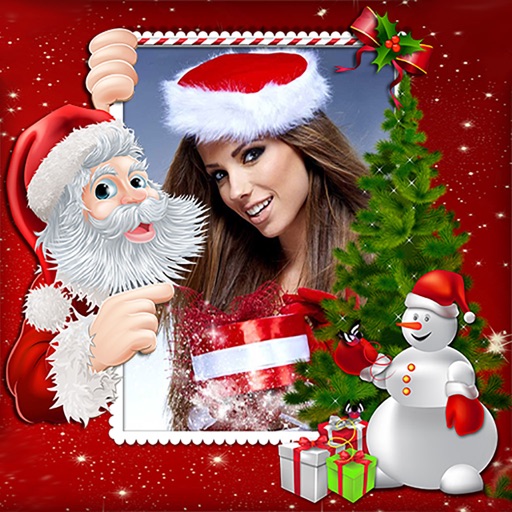
Create holiday e-cards by selecting from 40+ photo frame templates. Choose a photo from the gallery or camera. Apply effects to personalize cards. Save and share finished designs.
Edit photos with filters, overlays, and effects. Create collages and visual stories. Track pregnancy milestones and growth. Add text and stickers to photos. Share edited images directly.
The app creates a 20x20 cm hardcover photo book using photos from Instagram, Facebook, or Camera Roll. Users can add captions, choose page themes, and order their book with discounts for multiple copies.
Edit photos with advanced tools like layers, masks, and adjustment brushes. Crop, rotate, and resize images. Add text, stickers, and special effects. Export in various formats and share directly.
Take photos or choose existing images. Adjust and crop the photo. Add holiday-themed objects like hats, trees, and glasses. Apply Christmas-themed effects and frames. Share the edited photo on Facebook, Twitter, or via email.
Edit photos by adding custom and text. Choose from themed layouts and seasonal designs. Share edited images directly with friends and family. Apply decorative elements to enhance photos for any occasion.
Preview videos in real time to check quality and content. Adjust parameters for flight angle and settings. Manage video materials to create a personalized library for photogenic spots.
Upload photos to create HD videos with various styles and special effects. Choose from templates like ancient Hanfu, modern goddess, and cheongsam. Apply one-click makeup and costume changes. Export and share finished videos directly.
Create stickers by drawing lines to separate objects from photos. Store and share stickers via social media or messaging apps. Use stickers to design collages and combine with photos for creative images.
The app allows users to pixellate parts of photos to hide or obscure areas. It can also be used to create humorous and interesting visual effects from normal photos, encouraging creative use of imagination.
Create collages and cards for occasions like birthdays and holidays. Choose from customizable layouts, backgrounds, and stickers. Apply filters. Add photos to designs and export for sharing. Purchase additional layouts and content packs.
Share book recommendations and reading moments with friends. Create and follow reading lists. Discover books through user-generated blurbs and posts. Comment on and like posts. Follow other readers and authors.